
Imagine you finish work and decide to order sushi. You search Google for “sushi delivery London.” While you wait for the results, Google Ads determines which ads are eligible to appear and how they should be ranked. That process is the ad auction.
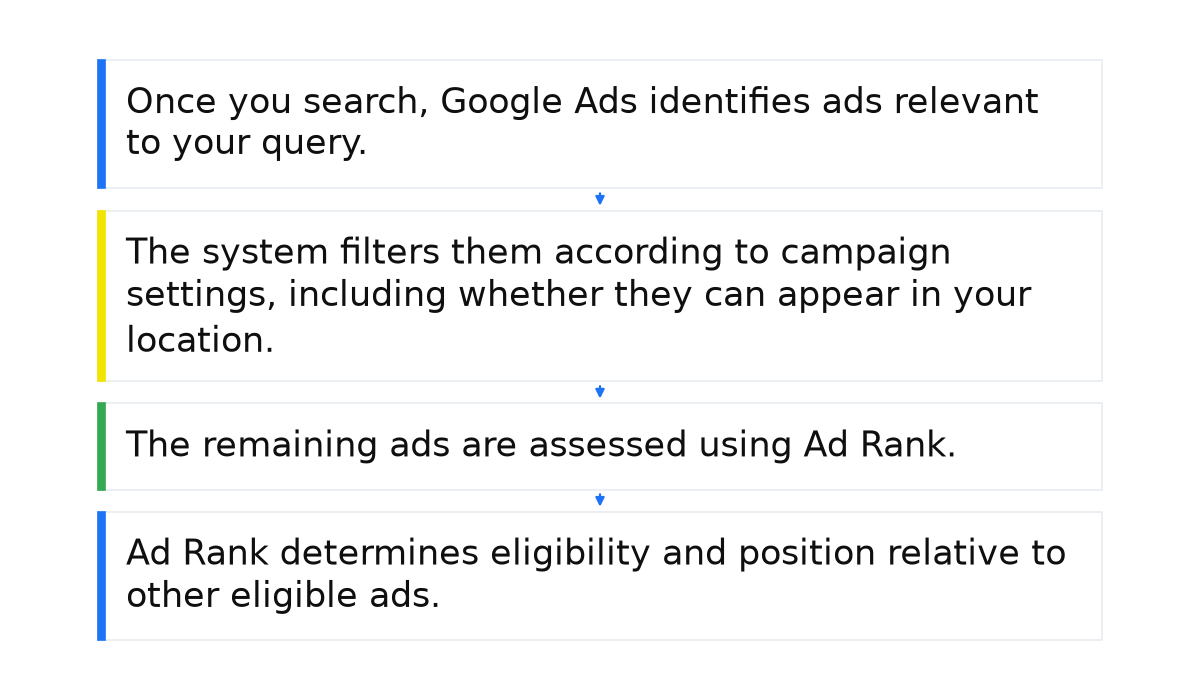
- Once you search, Google Ads identifies ads relevant to your query.
- The system filters them according to campaign settings, including whether they can appear in your location.
- The remaining ads are assessed using Ad Rank. The bid, ad quality and expected impact of additional ad information all play a part.
- Ad Rank determines eligibility and position relative to other eligible ads. A higher rank helps an ad secure a better position.
You then choose an offer, click through and may place an order. For a business owner, the important point is that an ad’s position comes from this selection process. You cannot simply buy the best position by offering the most money.
Your ability to compete depends on Ad Rank, which combines your bid with your Quality Score. A more useful, relevant ad can earn a higher position even with a lower bid than a competitor’s. Improving your ad and landing page therefore matters alongside managing bids.
What else affects your position in the auction?
- Your bid. A higher bid can help your ad compete for a better position, but it does not guarantee the top spot.
- Ad and landing page quality. The customer’s search, your ad’s promise and the page content should match. Check whether visitors find the service they were looking for.
- Ad Rank thresholds. Google Ads sets minimum thresholds an ad must meet to be eligible to show.
- The expected impact of ad assets. Google assesses how the additional information and formats you use may affect your ad’s performance.
Give your landing page a close look. Think about your own reaction to a website that loads slowly or looks neglected: it is easy to leave and try another business. Your potential customer is one click away from becoming your competitor’s customer. Page quality matters both to your advertising and to the visitor deciding whether to contact you.
What I look for in auction insights
I do not read auction insights as a league table or try to beat every domain at any cost. First, I segment the report by time and device. Then I compare overlap rate with position above rate: how often we appeared together and how often the competitor’s ad appeared above mine when we both showed.
If a competitor starts appearing above me more often, I do not draw conclusions about their budget without checking my own impression share and campaign constraints. One metric cannot explain why performance changed.
You can find the metric definitions and available reporting segments in Google’s auction insights guide.
When this does not apply. Raising your bid does not guarantee the position you want if your ad and landing page fail to match the search. Equally, a competitor appearing higher does not prove they have increased their budget. Check several metrics alongside your own campaign settings before deciding what to change.
Understanding the auction helps you decide whether to investigate the bid, the ad or the landing page first. To apply that understanding to your business, the next step is learning to read Google Ads reports and connect what they show to specific campaign changes.
My e-book “19 Google Ads Secrets”: how to get the most out of Google Ads without draining your budget, drawn from real campaigns and tests.
See the book →