

Google Ads can bring visitors who submit leads and make purchases. It works 365 days a year, 7 days a week, and 24 hours a day, but profitable results still depend on setup and control.
Some advertisers build a system that can generate profit. Others give Google too much control and pay for the algorithm’s education with their own budget. The steps below are designed for a controlled first test.
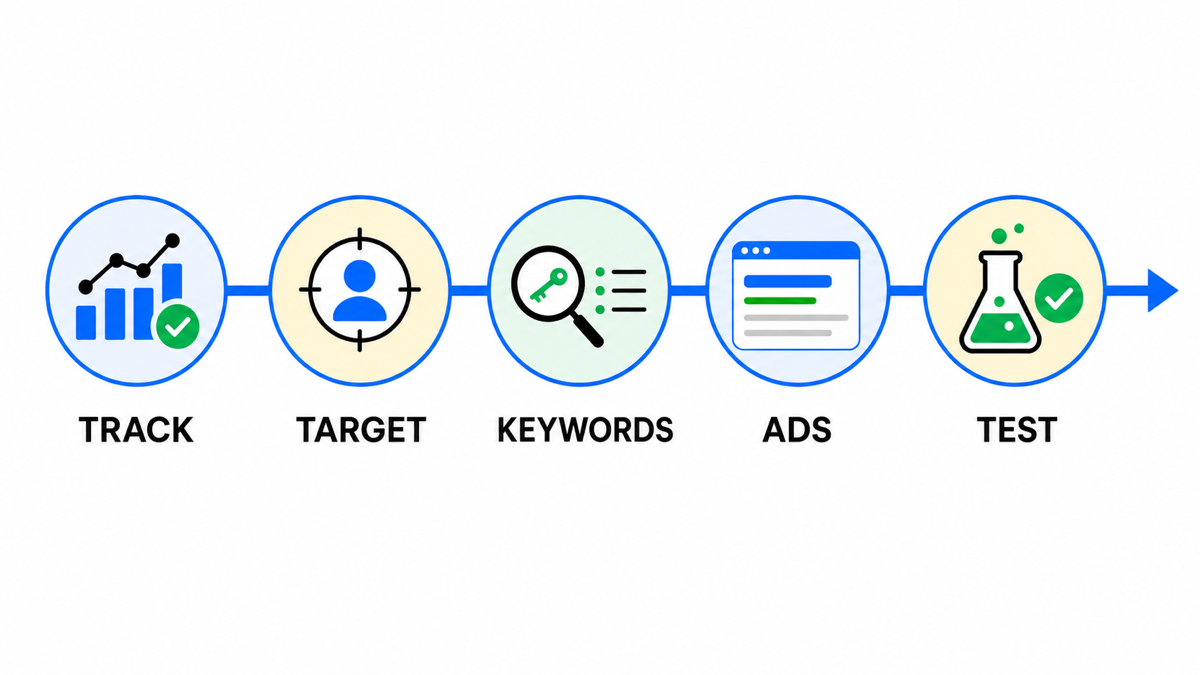
Create your Google Ads account

- Open Google Ads and sign in with your Google Account.
- Switch to Expert Mode so every setting is available.
- Choose the billing country, time zone, and currency. A US business would normally use dollars.
- Check the payments profile before launching ads.
Create a new campaign
What I define before the first ad
I start with a demand map, campaign structure, and precise conversion definitions. Only then do I write ads. Strong copy cannot fix mixed intent or the wrong optimization signal.
- Select Create, then Campaign.
- Choose Create a campaign without a goal’s guidance.
- Select Search.
- Add only conversion goals that represent real business value.
- Do not treat secondary actions as primary goals.
- Give the campaign a clear name.
Set up bidding
If conversion tracking is accurate, you can optimize for conversions. Set a target CPA only when reliable historical data exists. Without data, a cautious manual CPC launch can help collect the first signals.
Configure the Search campaign
- Initially turn off Google Search Partners and the Google Display Network so traffic sources do not get mixed.
- Target only cities, states, regions, or countries you actually serve.
- Select the languages your prospective customers use.
- Do not expand audiences without a separate hypothesis.
- If a fast response is essential, use an ad schedule, such as Monday through Friday from 9:00 AM to 5:00 PM.
Choose keywords
For a first launch, 1 or 2 core phrase match keywords are enough. Do not add a large list immediately. After collecting data, you can replace keywords, remove them, or split them into separate ad groups. Review search terms regularly and add negative keywords.
Create a responsive search ad
- Enter the final URL of the most relevant landing page.
- Add up to 15 distinct headlines with specific benefits, relevant keywords, and calls to action.
- Add up to 4 descriptions. Each has a 90 character limit.
- Review the mobile and desktop previews.
- Add useful assets. They are optional, but they can make the ad more prominent.
Set the budget
Choose a daily budget in dollars that you can afford to use for a test. Verify locations, languages, bids, keywords, ads, and conversions, then select Publish campaign. You do not have to accept every Google recommendation.
Prelaunch checklist
- Conversion tracking records the correct valuable actions.
- Search Partners and Display Network are off for a clean test.
- Locations, languages, and schedule match business operations.
- Each ad group contains closely related intent and uses a relevant landing page.
- The budget can produce data without creating unacceptable risk.
My e-book “19 Google Ads Secrets”: how to get the most out of Google Ads without draining your budget, drawn from real campaigns and tests.
See the book →Ready to use ad copy examples
Conclusion
Good setup does not end at publication. Review search terms, conversions, bids, and spend, then make changes based on evidence.