
A reference to the “Trademarks” policy in the restriction details means this ad was limited because someone else’s trademark is in the ad text after the owner complained. You see the line on the ad, not in the keyword list.
While the line is there, the saved ad is already restricted. The wider path for disapprovals is in how to pass Google Ads review. Below is what the line means, what is at stake, and what to do.
What it means
Google Ads follows local trademark law. If the owner files a complaint, Google reviews it and may restrict the trademark in ads. The restriction applies to the use of the trademark in the ad text. A mark that sits only on the landing page, with none in the ad, does not create this line. Google enforces the English text of the policy. In the account the line reads “Trademarks”.
The rule does not touch two places: keywords, and the second-level domain of the display URL. This line is not a reason to delete that keyword.
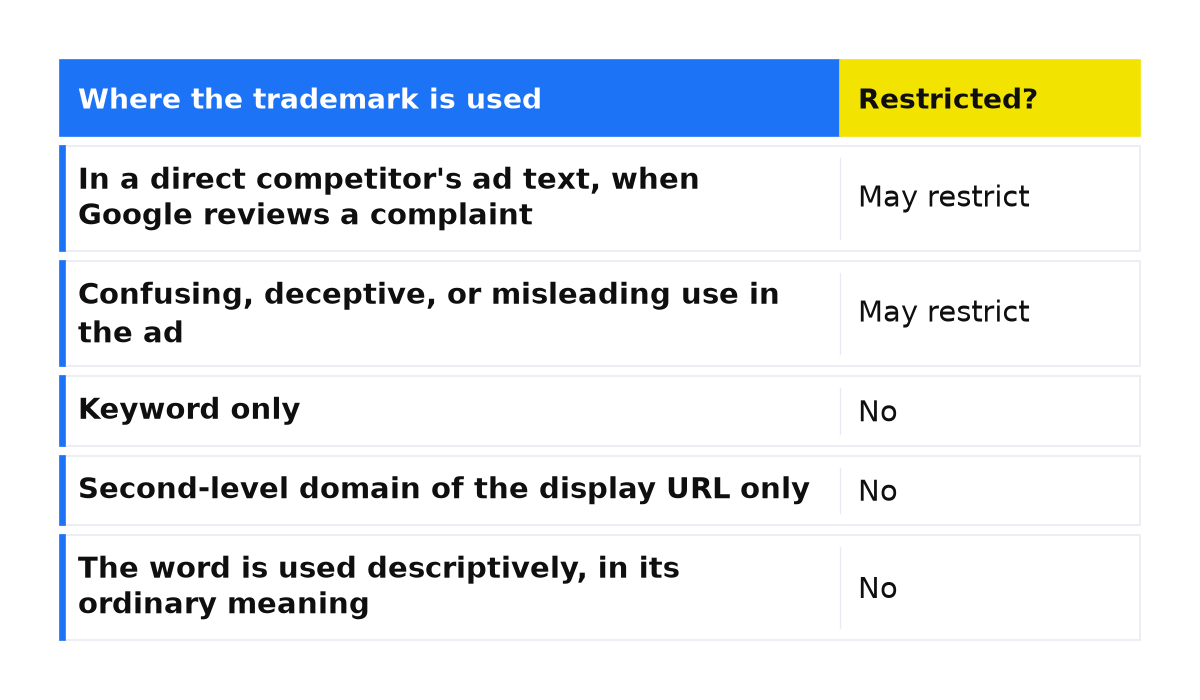
| Where the trademark is used | Restricted? |
|---|---|
| In a direct competitor’s ad text, when Google reviews a complaint | May restrict |
| Confusing, deceptive, or misleading use in the ad | May restrict |
| Keyword only | No |
| Second-level domain of the display URL only | No |
| The page sells the products, components, replacement parts, or compatible goods, with a way to buy, rates or prices, and a clear reseller or informational site | No |
| The page mainly informs about the products or services, or lists search results for the trademark | No |
| The word is used descriptively, in its ordinary meaning | No |
Full criteria are in the Google Ads trademarks policy. A price alone is not enough: the page needs a way to purchase, and the ad must show you are a reseller or an informational site. “Reseller” on a misleading ad does not save it.
What is at stake
If the restriction details mention “Trademarks”, check the individual ad’s status before relying on it for leads. The account is not suspended at once. A warning is issued at least 7 days before any account suspension.
Those 7 days refer to the warning before an account suspension. The restriction generally applies to ads with the same second-level domain in the final URL, so one fixed headline is not enough.
What to do
- Open the ad and hover over its status to read the reason for the restriction. Check that the policy named is “Trademarks”.
- Find the trademark. A keyword, or the second-level domain of the display URL, is not what this line restricts. It restricts a headline or a description.
- Match the use to the table above. Remove a direct competitor’s trademark from the ad text, or remove any use of a trademark that is confusing, deceptive, or misleading. Leave a permitted sale, an informational page, or an ordinary-meaning use alone when that row’s conditions are already met.
- If the restriction looks wrong, appeal by following the instructions in the restriction notification. Do the same for ads that do not violate the policy, so the limit can be lifted from them too.
- Review every ad whose final URL uses the same second-level domain. After the appeal, do not publish new ads with the same violation. Restrictions are generally kept even if you later change the ads or the account.
What not to do
- Do not remove the trademark from keywords. This policy allows it there.
- Do not open a new account or copy the ad to reset the status. New text with the same trademark falls under the same restriction.
- Do not edit only the landing page while the trademark stays in the ad text. The policy looks at the ad, not only the page.
- Do not confuse the 7-day warning before account suspension with the status of an individual ad.
When this does not apply
I explain the line in the account, not who owns the trademark. This page does not replace a lawyer. If the mark is only a keyword, or only in the second-level domain of the display URL, the ad text changes described here do not apply. A different line, “Editorial”, covers a phone number, capitalization, and punctuation. If you are a reseller and the page shows a price and a way to buy, and the ad says who you are, this policy does not restrict that use. Appeal from the notification instead of deleting keywords.
If the restriction under the “Trademarks” policy remains after these steps, we can review the account together: the ad text, the final URL, and the restriction notification.
My e-book “19 Google Ads Secrets”: how to get the most out of Google Ads without draining your budget, drawn from real campaigns and tests.
See the book →Questions and answers
Can I use someone else’s trademark as a keyword?
Yes. Google does not limit a trademark as a keyword or in the second-level domain of the display URL. The restriction applies to the use of the trademark in ad text after the owner complains and Google decides to restrict it. Keep the keyword.
Will the account be suspended the same day?
No. The account is not suspended immediately. A warning comes at least 7 days before suspension. The ad can already be disapproved or limited. A new account does not fix that, and new violating ads after an appeal generally keep the restriction.
I sell the genuine products of this trademark. Why was the ad limited?
The policy allows that sale when the page helps someone buy: a way to purchase, rates or prices, and a clear reseller or informational site. If that is not clear, fix the ad and the page, then appeal from the notification.