
“Ad schedule” sets when an ad is allowed to show at all: during certain hours or days of the week, or for the whole calendar day. You open the page with that name inside a campaign in Google Ads. By default the setting is “All day”, so ads may show throughout each calendar day.
You can do two things with a schedule. You specify the hours or days of the week when ads will show. You also set bid adjustments that increase or decrease bids for certain days and hours. The second one is not a list of hours when showing is allowed. Ad scheduling is not compatible with App campaigns. How those adjustments work is covered in bid adjustments.
What it means
Outside the hours and days you set, the ad is not eligible to show, because the schedule decides when it may show. If nobody searches your keywords then, it does not show either. The rules are on the Google help page about ad scheduling.
The Ad schedule page in the account has a Day and Hour report. If the schedule turns the campaign off on some days of the week, from 1 June 2026 Google paces spend toward 30.4 times the average daily budget for the month, however many days the campaign is active. On any day the campaign spends no more than two daily budgets. On days the schedule turns the campaign off, it does not show. This change does not affect schedules that turn off hours inside a day. The help example: a daily budget of 100 dollars and 20 days of delivery paces toward 3,040 dollars a month. To spend 2,000 in a month, set the daily budget near 66 dollars.
How to read it
“All day” is the whole calendar day, not an hour limit. A bid adjustment on hours is not the list of hours when showing is allowed. A schedule for all 168 hours is still a schedule, and it limits nothing. In Google Ads Editor a schedule shows as a share of the week, so a full week can be saved as one.
Among campaigns in accounts the agency runs (settings snapshot of 10 July 2026, spend in the first half of 2026), 16.3% had a schedule that limits hours, and 19.6% had any schedule, with or without a limit. Both shares use campaigns with spend in that half year, not every campaign on the snapshot. The median campaign that has a schedule covers 119 of 168 hours. That median is of campaigns with a schedule on the 10 July 2026 snapshot, not only campaigns with spend. 88.4% of that half year’s spend was in campaigns that, on the snapshot date, had no limiting schedule. There is no settings history, so this is the state on 10 July 2026, not the schedule that was live when the money was spent. A detailed breakdown of where these shares come from is in this note on how often accounts use an ad schedule.
I do not read an empty schedule as an account error. A missing schedule is not, by itself, a verdict on the account.
What to do
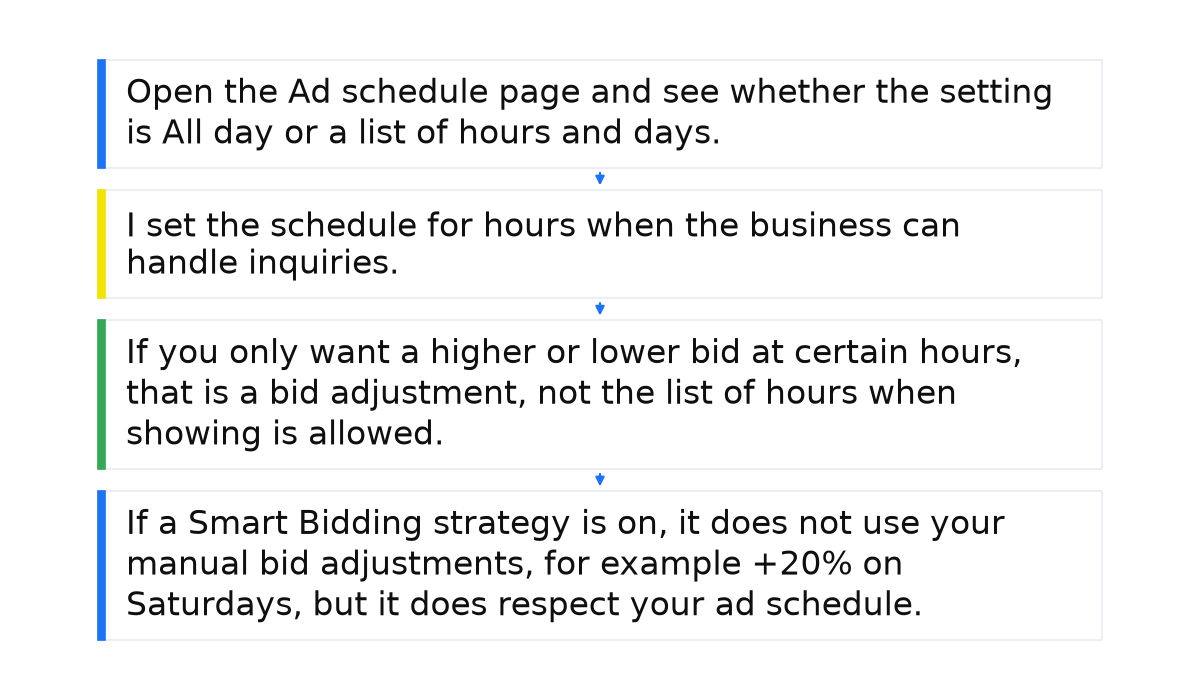
- Open the Ad schedule page and see whether the setting is All day or a list of hours and days. Read the Day and Hour performance next to it.
- I set the schedule for hours when the business can handle inquiries. I do not set it to make the click cheaper.
- If you only want a higher or lower bid at certain hours, that is a bid adjustment, not the list of hours when showing is allowed. Check whether the schedule covers all 168 hours. That entry limits nothing.
- If a Smart Bidding strategy is on, it does not use your manual bid adjustments, for example +20% on Saturdays, but it does respect your ad schedule. Ads follow the days and hours you set. An automated strategy does not cancel the schedule. The rule is on the Google help page about bid adjustments.
What not to do
- Do not treat “a schedule exists” as “hours are limited”. A 168-hour schedule limits nothing.
- Do not expect savings from the schedule alone. A campaign without a schedule is not an error: it simply shows all day.
- Do not assume that limiting hours improves results by itself.
- Do not expect the 1 June 2026 pacing change to affect a schedule that only turns off hours within a day: it applies when whole days are off.
When this does not apply
Ad scheduling is not compatible with App campaigns. All day is not an hour limit either: it is the whole calendar day. The pacing change of 1 June 2026 does not apply to a schedule that only turns off hours inside a day. It applies when whole days of the week are turned off.
I put how I read an ad schedule into a short e-book.
My e-book “19 Google Ads Secrets”: how to get the most out of Google Ads without draining your budget, drawn from real campaigns and tests.
See the book →Questions and answers
Does an ad schedule make the click cheaper?
Not by itself. I set it for hours when the business can handle inquiries, not for a lower cost per click.
Does Smart Bidding cancel the schedule?
No. Smart Bidding respects the ad schedule and does not use manual bid adjustments. An hour bid adjustment and the list of allowed hours stay different.
If there is no schedule, is the account broken?
No. The default is All day, and a missing schedule is not, by itself, a verdict on the account. A schedule that covers all 168 hours does not mean the hours are already limited.