
To make sensible decisions about your advertising budget, you need to know which ads bring people to your website and how those visitors arrive. URL parameters in Google Ads help pass that information to your analytics system.
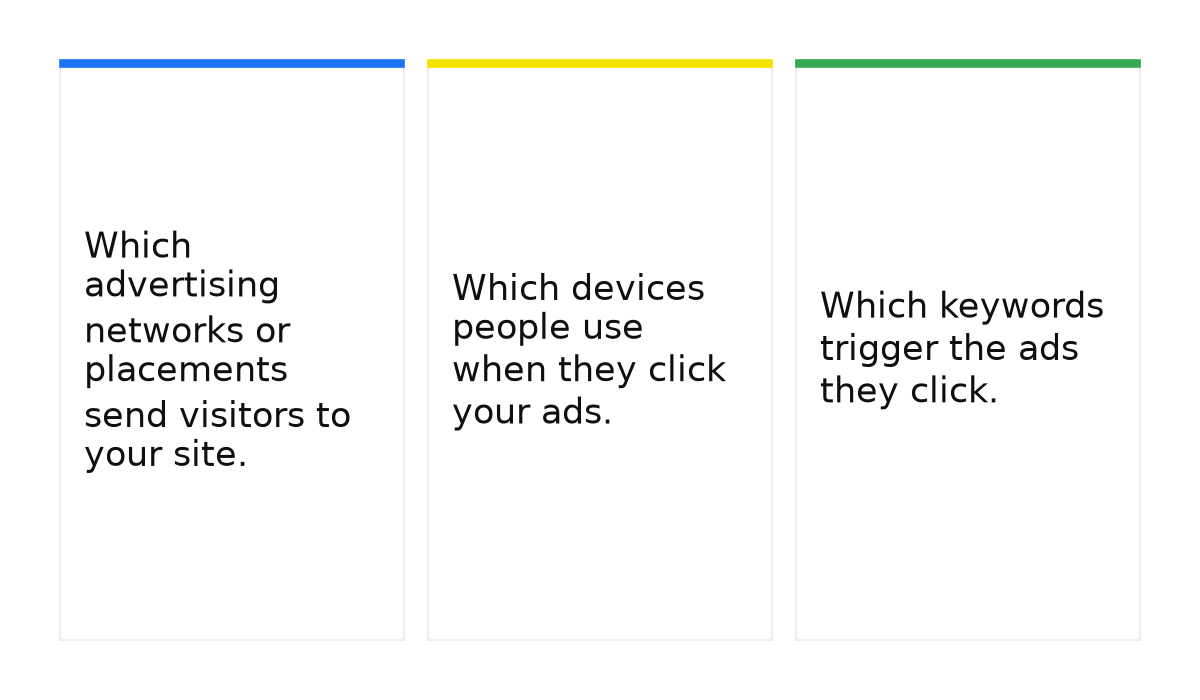
- Which advertising networks or placements send visitors to your site.
- Which devices people use when they click your ads.
- Which keywords trigger the ads they click.
You can pass tracking parameters through a tracking template or a final URL suffix. For straightforward URL tagging, I recommend the suffix. It is easier to write and check, which leaves less room for mistakes.
What a final URL suffix does and where it helps
A URL, short for Uniform Resource Locator, is the address of a resource on the internet. In an ad, the final URL takes someone to a particular page on your website. A suffix adds parameters to that address, such as the visitor’s device or the ID of the ad group responsible for the click.
Google fills in those values when someone clicks. You set the parameters you want to pass, and the resulting address carries information about that specific visit. This saves you from creating separate tagged addresses for every possible device or ad group.
How to add a final URL suffix in Google Ads
Take the device parameter. You want to understand which devices bring visitors to your website so that you can make better budget decisions. For example, you might compare desktop and mobile results before deciding whether to move spend between them.
Open the relevant campaign’s settings and find its campaign URL options. Enter device={device} in the Final URL suffix field, then save.
After a mobile click, the address will contain device=m. A tablet click produces device=t, and a computer click produces device=c. The braces belong in your settings; Google replaces the placeholder with the appropriate value.
Device type is only one of the details you can pass. Other parameters include:
{network}: the network where the click happened.{adgroupid}: the ad group ID.{keyword}: the keyword that triggered the ad.{placement}: the site or targeted placement associated with the click.
Google lists the available parameters and their requirements in its ValueTrack documentation. Choose the parameters your analytics setup actually needs.
You can set a suffix at different levels. An account suffix applies to campaigns, ad groups and ads unless they have their own suffix. If an individual ad has a separate suffix, that setting takes priority over the ad group, campaign and account settings.
Final URL suffix versus tracking template
Both tools can pass information that helps you analyse advertising traffic. If you simply need to append parameters to a landing page address, a suffix is enough. There is no need to build a tracking template just to duplicate that tagging.
How I keep the landing page separate from tracking
I keep the actual page address in the final URL field and put tracking parameters in the suffix. That avoids filling ads with different tagged versions of the same landing page and makes the tags easier to change at account or campaign level. Before launch, I test the assembled address with any parameters the page already uses. A question mark, ampersand or encoding issue should not break the visit.
Google explains the setup in its guide to adding a final URL suffix at different account levels.
A tracking template goes in its own field under URL options. A simple template that passes the device and campaign ID looks like this: {lpurl}?device={device}&utm_campaign={campaignid}.
Google replaces {lpurl} with the final landing page address. The parameters follow the question mark, with & separating each pair. Avoid spaces in this format; use an underscore if you need to separate words in a tag you define.
The equivalent suffix is shorter: device={device}&utm_campaign={campaignid}. Enter that in the Final URL suffix field, and Google appends it to the addresses covered by that setting.
In this example, both methods pass the same parameters. The suffix is simpler because you do not have to specify how to insert the page address. A mistake in the template’s {lpurl} placeholder can break the link, leaving you with ad clicks that never reach the intended page. Keeping the page address separate makes that part of the setup easier to manage.
When to use a tracking template or a suffix
A tracking template is useful when your measurement setup needs a separate tracking address. For example, the visitor needs to reach your website while click information goes to a third-party analytics server. That is a more involved setup, so follow the requirements of the service you use.
For simply passing parameters to your own landing page, a final URL suffix is sufficient. The visitor reaches the page with those parameters in the address, ready for your configured analytics system to use.
If the advertising data you need already reaches Google Analytics correctly, you may not need additional URL tagging for that task. With another analytics service, check its instructions: different systems expect different parameters. Adding a suffix alone does not ensure that your analytics system will read the values correctly.
Another setting worth reviewing is the automatic application of Google Ads recommendations, so that changes to your campaigns stay under control.
Conclusion
A final URL suffix makes tracking parameters easier to manage and reduces opportunities for mistakes in your links. Its business value comes from helping you collect the information you need to assess advertising and decide where to spend.
Before launching, check that the assembled address opens the intended page and retains the required parameters. Correctly written tags are of little use if the link sends visitors to the wrong destination.
When this does not apply: a suffix cannot replace a tracking template when an external service requires a separate tracking setup. It also does not configure analytics for you. Your website and analytics system must handle the parameters, and the final address must work.
Once your click parameters are working, the next step is turning that information into advertising decisions. A practical understanding of Google Ads helps you check the setup and connect your budget to business results.
My e-book “19 Google Ads Secrets”: how to get the most out of Google Ads without draining your budget, drawn from real campaigns and tests.
See the book →