

Advertisers often try to reduce CPC at any cost. That can backfire because your bid and ad quality affect position, traffic volume, and campaign performance. When a campaign is optimized for a valuable action such as a lead or subscription, CPC may be a secondary metric.

How to forecast CPC in Google Ads
You can get a forecast in Keyword Planner or review estimated bids while setting up a campaign. Both methods provide a range rather than a guaranteed price. Actual CPC is determined in each auction and depends on competition, your bid, and ad quality.
- Sign in to Google Ads, open Tools, and select Keyword Planner.
- Choose Get search volume and forecasts.
- Enter keywords or upload a prepared file.
- Select Get started, then set your target location and language.
- Review the forecast for each keyword in the Avg. CPC column.
Broad match may be selected by default. To compare scenarios, select the keywords, change the match type, and let the forecast refresh.
CPC review checklist
- Review CPC separately by location, language, and match type.
- Compare the forecast with actual CPC after your first impressions.
- Check CTR, ad relevance, and Ad Rank.
- Evaluate CPC through CPA or ROAS instead of relying on click price alone.
- Separate brand, commercial, and informational queries.
- Do not reduce bids blindly. First check lost impression share due to rank and budget.
- After 7 to 14 days, recalculate CPC by search term, device, and location.
Google Ads can help you model a budget, but the lowest bid is not always the most profitable. Expensive keywords may generate more conversions and profit. Only a properly tracked test can give you a reliable answer.
Bid strategies work when the algorithm has the right goal and limits. My e-book “19 Google Ads Secrets” shows how to get the most out of Google Ads without draining your budget, drawn from real campaigns and tests.
See the book →Why I do not quote an advertising budget from CPC alone
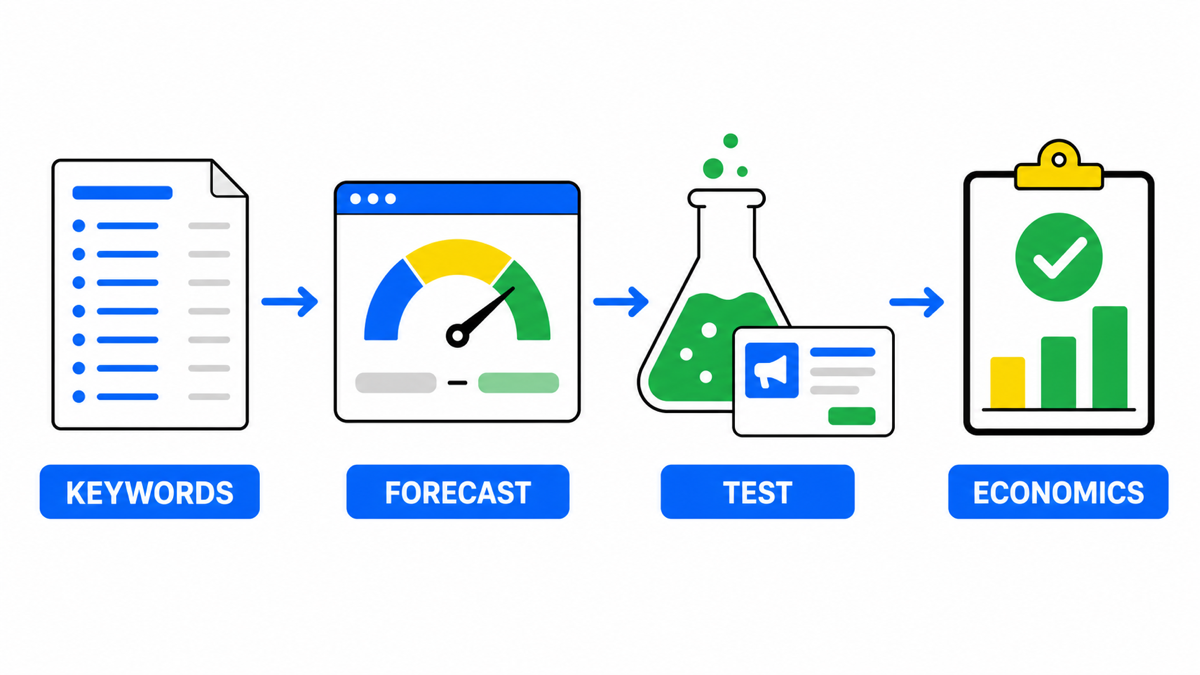
I use CPC forecasts as an auction benchmark, not as a finished sales budget. First I model a spend range in Keyword Planner, then apply the landing page’s real conversion rate and the value of the outcome. If an expensive click makes a profit, it can be more useful than cheap traffic that never converts. Click prices also differ from town to town: in the Cheshire Local Advertising Index I publish, the median cost per click across the local services sampled is £2.79 in Bramhall and £6.08 in Altrincham and Hale (September 2026).
Google’s official documentation explains the click, cost, and impression forecasts available in Keyword Planner.