

The word “feed” frightens store owners more than it deserves to. It is not programming. It is a table where each row is a product and each column is one of its characteristics. The difficulty is not in building it. The difficulty is that Google checks it formally: not “is this understandable” but “does this fit the rule”.
One word first, because it appears everywhere below. An attribute is a column in your table, that is, one characteristic of a product: title, price, availability. When the console reports “an error in the title attribute”, it means “something is wrong in the column holding the name”.
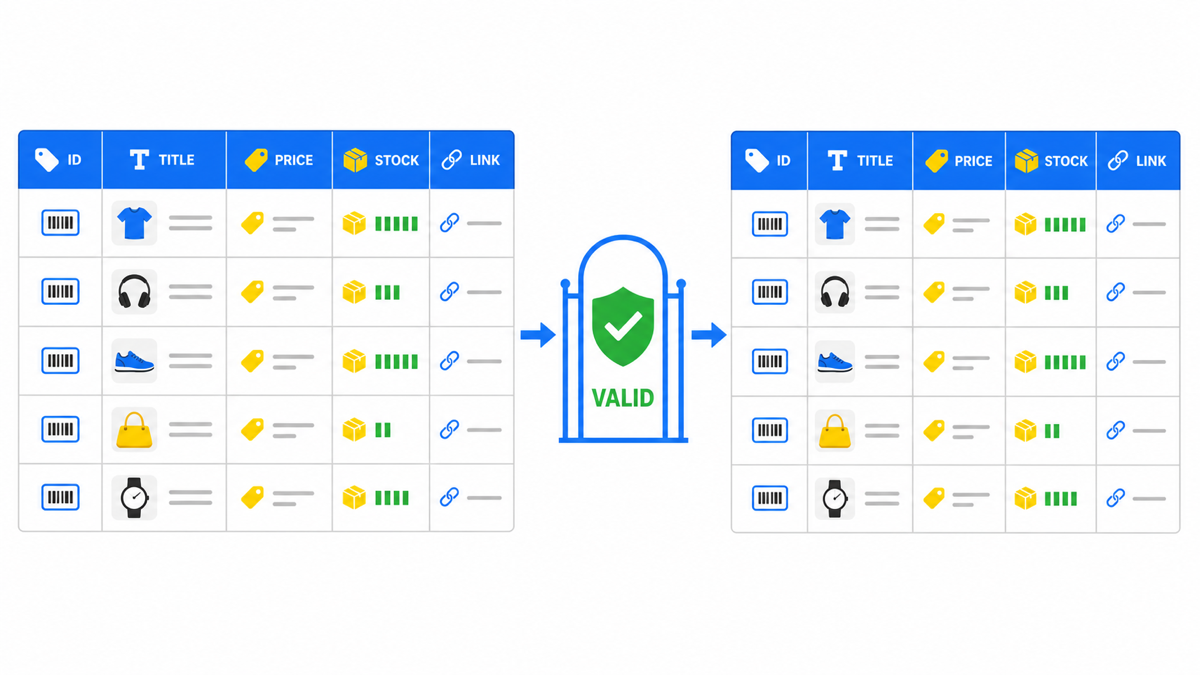
Base attributes and their exact limits
The figures below are taken from the product data specification as of 28 July 2026. This is the set practically every product needs. Beyond it the specification carries conditionally required fields that switch on for particular cases: apparel, size and colour variants, used goods. If you sell any of those, run the base check first and then open the full specification linked above.
| Attribute | What it is | Limit or format |
|---|---|---|
id | Product identifier | Up to 50 characters, unique within the account |
title | Product title | Up to 150 characters |
description | Description | Up to 5000 characters |
link | Product page address | Must start with http:// or https:// |
image_link | Main image address | Same protocol rule; at least 500×500 pixels (enforced from 31.01.2027) |
availability | Availability | Exactly four values: in_stock, out_of_stock, preorder, backorder |
price | Price | A number plus a currency in ISO 4217 format |
brand | Brand | Up to 70 characters |
mpn | Manufacturer part number | Up to 70 characters, needed when the product has no GTIN |
Three errors from that table deserve their own note, because they come not from carelessness but from how stores are built. A title longer than 150 characters: everything fits on the product page, not everything fits in the feed. Availability written in plain language (“in stock”, “on order”) instead of the four permitted values: that is how the store database holds it. And a price with no currency, because in the database it is just a number.
The last one is worth showing, because “ISO 4217 format” explains nothing until you see it. Correct: 499.00 USD. Incorrect: 499.00 or $499. What is required is the three-letter currency code, not a symbol and not a word.
My e-book “19 Google Ads Secrets”: how to get the most out of Google Ads without draining your budget, drawn from real campaigns and tests.
See the book →One date for the calendar: 31 January 2027
The specification states directly that a product image must be at least 500×500 pixels, and that enforcement of this requirement begins on 31 January 2027. For a store this defines a concrete window: if your catalogue was photographed long ago and the images are small, you have time to reshoot or regenerate them calmly rather than in an emergency.
Sizing the problem takes ten minutes: take 20-30 random products and look at the size of the main image. If small ones turn up, the task goes into the plan now, while it still costs hours rather than impressions. Just do not mistake sizing for checking: a sample tells you whether a problem exists, not that the whole catalogue is clean. Before the date itself the catalogue has to be swept in full, automatically.
How to audit your feed in ten minutes
- Export the feed into a spreadsheet and add a column with the title length. Sort descending: anything above 150 lights up immediately.
- Do the same for description (limit 5000), brand and mpn (70 each) and id (50).
- Build a summary of the availability column. You should see exactly four distinct values and nothing else. Any fifth one is an error.
- Confirm every price carries a currency in ISO 4217 format rather than a bare number.
- Filter for links that do not start with http. This is the fastest win: it is fixed in bulk and removes an entire class of disapprovals.
- Check that ids are unique. Duplicates appear when several catalogue sources are merged, and they break rows unpredictably.
After the fixes, wait. Per the documentation a recrawl usually clears within 24-48 hours. Checking sooner tells you nothing, and it is exactly what creates the impression that the fixes are not working.
If spreadsheets are not your thing
The list above assumes you can export the feed and turn it around in a spreadsheet. Without that access the console gives you the same result: it lists your products with their states and spells out the cause for each. The order is the same either way: first see what Google actually named, then go and fix it. That way you do not spend an evening rewriting titles when the real cause sits in the links or the price.
This is not the “simplified” route, it is the correct sequence for anyone. The spreadsheet earns its place when there are many causes and they have to be fixed in bulk.
Why “approved” does not yet mean “good”
Limits are the floor for admission, not a recommendation. A 150-character title passes the check, which does not mean a title should be 150 characters long: in a shopping ad the user sees its beginning, so the word that matters belongs at the front rather than the end.
And separately, a common misuse of availability. When a product needs to come off the shelf temporarily, stores tend to mark it out_of_stock. The documentation forbids this outright: “Don’t use out_of_stock when you don’t want your product to show”. Availability describes availability, not visibility. To stop showing a product that is in fact for sale there are separate attributes: pause for a break of up to 14 days, and excluded_destination to remove it from particular placements.
Frequently asked
Is GTIN mandatory
When the manufacturer has assigned an identifier, it has to be supplied. When none was assigned, the governing rule is this: you may not invent one. Instead you leave the fields empty and submit the identifier_exists attribute with the value false. That is the normal case for handmade goods, made-to-order items, vintage and antiques. The documentation adds a caution of its own: set it to false only if you are certain no assigned identifiers exist.
What happens if the title exceeds the limit
The row does not meet the specification, and the product risks going dark: disapproved products, in the documentation’s own words, stop showing across Google. That is not a warning and not a ranking penalty. That is being switched off.
Can availability be written in my own words
No. Exactly four values are permitted: in_stock, out_of_stock, preorder, backorder. Any other phrasing is an error, even when it describes your situation more accurately.