
Even a timely, well-produced video will not bring customers to your business if the right audience never sees it. Paid promotion through Google Ads lets you place the video in front of people who are interested in its subject.
Here is how to prepare the video, thumbnail, and campaign without spending the budget at random.
What you need to promote a YouTube video
- An interesting, well-produced video.
- A bold thumbnail or preview image.
- A properly configured Google Ads campaign.
Consider a channel that teaches guitar. It provides a simple example of how the video’s subject, its thumbnail, and ad settings work together.
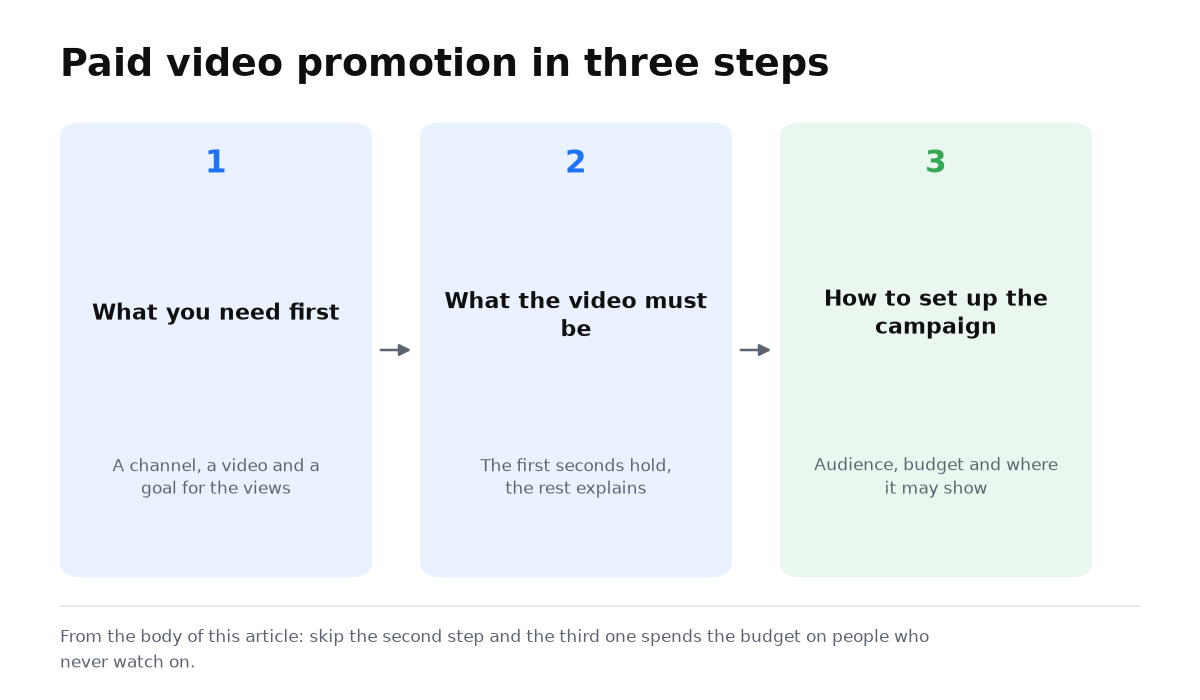
What a video needs before you promote it
The video needs a clear call to action. If you only play guitar and demonstrate a few techniques, viewers may enjoy the lesson and leave. Give them a specific reason to subscribe, like the video, turn on notifications, or watch the next lesson.
For example, explain which useful topic the next lesson will cover. On-screen prompts, animation, and an end screen can also guide viewers toward a subscription or another video.
What affects video ranking and reach
To appear in YouTube and Google search, optimize both the video and the channel.
- Put relevant keywords in the title. YouTube search suggestions and Serpstat can help build the keyword set. Use only tags that fit the topic.
- Add subtitles and timestamps, and group related videos into playlists. You can translate the text elements into other languages.
- Aim for videos of at least 10 minutes and give viewers a reason to continue to other content on the channel.
- Work on retention and engagement. Capture attention in the first 10 to 15 seconds and preview something valuable that appears near the end.
In YouTube Studio, complete the channel name, logo, trailer, and banner using your brand colors. Answer questions and stay active in the community.
How to create a thumbnail that earns the click
A view starts with the thumbnail. Someone must notice it in recommendations or search, understand the subject, and decide to click.
There is plenty of competing content, so the image, title, and description need a clear benefit or point of intrigue. An ad for a guitar lesson might appear next to competitors’ videos for the keyword “guitar.” A generic title such as “learn guitar” is easy to overlook. A more specific option could be:
- “Learn 10 essential chords in 5 minutes”;
- “Discover 90% of the secrets of guitar playing in 15 minutes.”
A specific promise can improve the ad’s CTR when the video genuinely delivers it.
How to set up a paid video campaign
Create the campaign in Google Ads, select the Video type, and choose the More Views subtype. Add the YouTube link, headline, and description. A popular video that already ranks among the channel’s most viewed content is a sensible starting point.
How to choose audiences for YouTube promotion
An audience that is too narrow may produce almost no impressions. One that is too broad can spend money quickly without bringing subscribers. Consider:
- age, gender, and family status;
- interests and intent, including the websites people visit, what they watch, and what they buy online;
- previous visits to your website, so each group can see a relevant video.
Budget and bidding for video promotion
Set a daily campaign budget. You can start at $5. You also need a bid. If you begin at the minimum of one cent, double the bid each day until the campaign spends the full daily budget. Then reduce it by one cent per day while checking that the budget continues to be spent.
- Keep smartphones, tablets, and computers, but turn off TVs.
- Do not show the ad to one user more than three times per week.
- Remove Display Network video resources in the campaign settings.
You now have the complete setup: prepare the video and thumbnail, select the audience, set the budget and bid, and limit wasteful repetition.
The campaign type matters less than what you feed the algorithm. My e-book “19 Google Ads Secrets” shows how to get the most out of Google Ads without draining your budget, drawn from real campaigns and tests.
See the book →Key takeaways. Google Ads provides a paid way to distribute a video. Content must answer the audience’s needs, while formats can range from interviews and reviews to tutorials and Shorts. Your website, social media, email, channel partnerships, and video conferences can add more traffic. YouTube Analytics shows what holds attention and what needs improvement.
When this does not apply
- Advertising cannot rescue a weak video that offers no clear value or next step.
- Broad reach will not help when the selected audience has no interest in the video’s topic.
- Views alone are not sales. A business should separately track subscriptions, leads, and cost per result.
Student question: limiting YouTube impressions
“Can I limit how often one person sees a YouTube ad when using the Maximize Conversions strategy? What limit do you recommend?”
Yes. You can set frequency limits in the campaign settings. The right numbers depend on the situation. For views, I currently use one view per month because that is the action you pay for.
For impressions, I use the “two, four, eight” rule: no more than twice per day, four times per week, and eight times per month. This preserves reach without spending repeatedly on people who have already seen the ad and taken no action.