

You type $10 into the field and read it as “I will not pay more than $10”. A month later the report says $11.40 and it looks like a bait and switch. There is no switch: you and the system read the same field differently. What you actually promised the algorithm, and how to set the number properly, is below. The full map of strategies and the decision tree are in the main guide, Google Ads bid strategies; here we deal with the number itself.
What Target CPA actually does
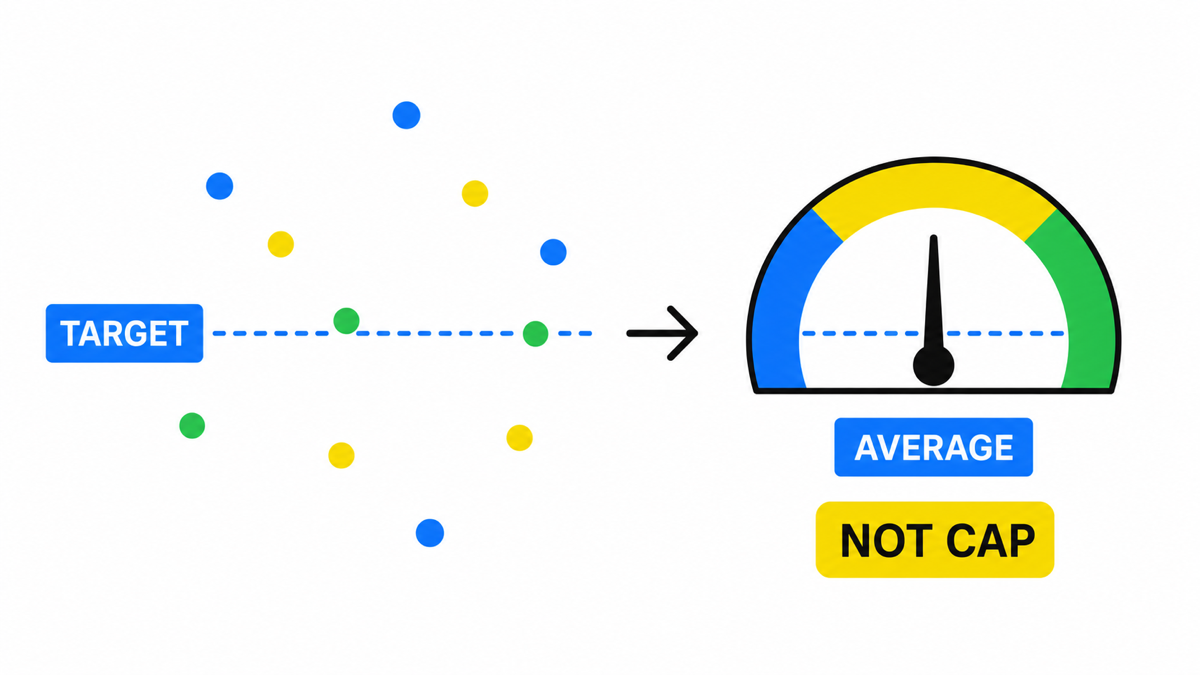
The strategy works like this. For every impression of your ad the system estimates the probability that this particular person will leave an enquiry. High probability and the bid goes up, sometimes well above your target. Low probability and the bid drops, or there is no impression at all. Across the period, the average cost per lead is supposed to land near the number you set.
Which gives the property that breaks expectations: a single conversion can cost twice the target, and that is the strategy working normally, not failing. The target governs the average, not each individual case. A thermostat behaves the same way: it holds the average temperature in the room and never promises it will not get warmer than the setting.
When you are allowed to switch it on
There is something unexpected here. Google states plainly that you can start using Target CPA with no conversion history and that it is effective for campaigns of all sizes. The formal threshold quoted in articles for years does not exist for this particular strategy.
But the same page carries a second number, and confusing the two is expensive: for evaluating performance Google recommends a window of at least 30 days including at least 30 conversions. Two different questions.
| Question | Google’s official answer | What it means for you |
|---|---|---|
| Can I switch it on | No conversion history required | Technically from day one |
| When can I draw conclusions | From 30 days and 30 conversions | Before that the report proves nothing |
| What if I have few conversions | Build traffic and data on Maximize Clicks first | A month on a simpler strategy is cheaper than a month of learning |
My working threshold is stricter than the official one: I switch Target CPA on when the account produces more than 30 conversions a month and the cost per lead has stopped doubling week to week. Below that you can still launch it, but you will be paying for learning longer than the owner’s patience lasts.
What number to set
The most common mistake is to take the cost per lead you would like. My working move is different: take the cost at which you are still not losing money, and set the target below it, because overshoots happen. An honest caveat straight away: this is not a formula derived from the data, it is a stress test scenario. And a target set too low has its own price, which Google warns about directly: the system will not find auctions where that cost is achievable, and the campaign loses volume.
The calculation is simple and fits on a napkin in three minutes.
- Take your average order value and margin. Example: $400 order, 40% margin, so $160 stays with you.
- Work out how many leads make one deal. If 1 in 5 leads buys, your sales conversion is 20%.
- Find the break-even cost per lead. $160 divided by 5 equals $32: above $32 the advertising eats the whole profit of the deal.
- Set the target about 20% below that. $32 minus 20% is roughly $25. That is the number for the field.
- Keep headroom at the top end. The median campaign runs 10% over target, but one in three exceeds it by more than 20%. If yours overshoots by 20%, actual lands near $30, and you are still profitable.
The logic here is not mathematical precision (changing the target rebuilds which auctions you enter, so the actual does not move proportionally to the target) but the direction of the error. Set the target exactly at break-even and any overshoot takes you straight into the red, and overshoots happen in most campaigns. Set it with headroom and the same overshoot eats the headroom instead of the profit.
Bid strategies work when the algorithm has the right goal and limits. My e-book “19 Google Ads Secrets” shows how to get the most out of Google Ads without draining your budget, drawn from real campaigns and tests.
See the book →What changes on 17 August 2026
One change is worth factoring in before you type the number. Google has announced that from 17 August 2026, campaigns limited by budget and running on target based strategies will perform more consistently toward the target you set, including when you adjust budgets.
In practice: if your campaign hits its budget ceiling and has been delivering leads below target for years, that advantage may disappear as the system pulls results toward the number you typed. So the number in the field is worth rereading right now, especially if it was set high as a safety margin and never revisited. The data below describes system behaviour before this change.
What to do after launch and after a target change
The first two weeks are the most expensive, because that is when owners break things. Here are the official markers to lean on instead of nerves.
Reaction speed. Google writes that Smart Bidding reacts to target changes within minutes, but reaching the new target takes 1 to 2 conversion cycles. A conversion cycle is the typical time from click to enquiry in your business.
Calibration time. After a strategy change it can take up to 3 weeks or 1 to 2 conversion cycles. And separately: the algorithm keeps learning after the “Learning” status disappears from the interface.
About the 20% rule. The advice “never change the target by more than 20% at a time” circulates as an official Google requirement. It is not in the documentation, I checked this week. What is there is an explicit warning not to make multiple ROAS target changes within a single conversion cycle. The constraint is time, not a percentage.
Frequently asked questions
Does Target CPA guarantee the cost per lead
No. It sets a reference point the system holds the average around. In my slice of 1,950 campaigns only a third stayed within plus or minus 10% of their own target. So the number goes in with headroom, and the reality gets checked in the report rather than assumed from the name of the strategy.
How is it different from Maximize Conversions
Maximize Conversions has no cost target and is designed to spend the entire daily budget chasing volume. Target CPA adds a cost reference to that. In practice: the first suits you while you still do not know your cost per lead, the second once you know it and want to hold it.
What if leads got more expensive after switching
First wait out 1 to 2 conversion cycles: before that there is nothing to conclude from. Then check three things: whether you changed the budget at the same time, whether learning was restarted by edits in the campaign, and whether unrelated actions slipped into the conversion counter. Only then touch the target number itself.