
Google Keyword Planner is a tool for expanding and refining keyword phrases. For a service-business owner in the US, Canada or the UK the useful outcome is simple: find wording people actually type, see relative demand, and estimate how much a click may cost in $ so the first Search budget is not pure guesswork.
Inside Planner you research keywords for Search campaigns: suggest new phrases for your offer, compare popularity, and sketch spend before you scale. It does not guarantee leads. It is a demand map you later verify with search terms and negatives.
Google’s own overview of the tool is in the Keyword Planner help article.
When does Planner open with usable data?
1. Account setup is complete: Google’s Keyword Planner help requires billing information for basic features such as “Get ideas for new keywords”.
2. In practice, a simplified smart-campaign-only shell can still feel limited in the UI; finish setup so you are working in a normal Ads account, not an empty shell.
Without those conditions you often see only coarse ranges or limited access. That is not a broken console. Google simply withholds full planning data from empty shells.
Once you can see demand and a $ cost range, the next useful move is to turn that raw list into a first campaign structure, not a longer spreadsheet.
My e-book “19 Google Ads Secrets”: how to get the most out of Google Ads without draining your budget, drawn from real campaigns and tests.
See the book →Expand seed phrases into keyword ideas.
Use forecasts as a demand and cost range, not a promise.
After launch, compare ideas with the search-terms report.
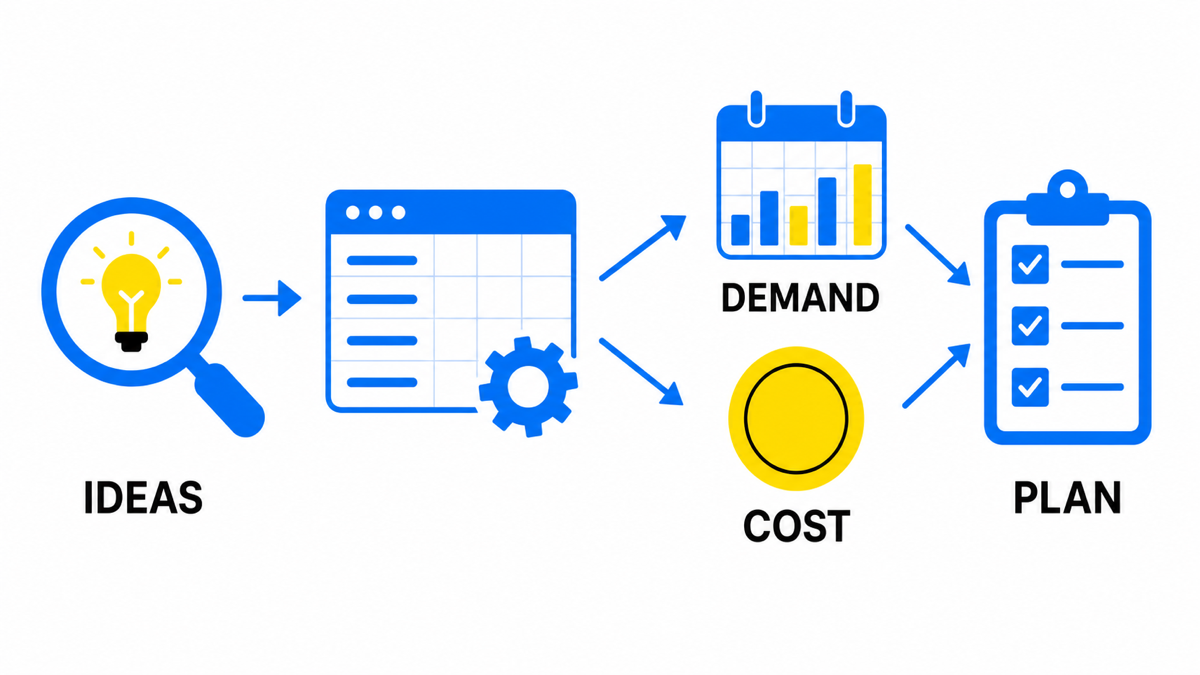
Finding new keywords
Your job here is to review options that fit your niche and your offer, not every word in the industry. Planner is strongest when you pull clusters of close phrasings for the same need, then cut the ones that do not sound like a buyer.
What to take from the tool:
- Monthly demand stats. Rough search volume so you know whether anyone types the phrase at all.
- Cost signals. A ballpark CPC range in $. Not your final CPC, just order of magnitude for budgeting.
- Keyword grouping. A check that phrases sit near your brand and service themes rather than a neighbour’s catalogue.
- Campaign seeding. Move the shortlist into ad groups instead of parking it in a file forever.
A practical owner workflow for a clinic, contractor, law firm or local B2B offer:
- Enter the core service in customer language plus two or three synonyms from real emails and call notes.
- Drop pure research queries (“what is”, “how does”) if you need enquiries, not readers.
- Keep phrases with commercial intent: book, price, near me, quote, consultation, same-day, hire.
- Check whether the $ budget can even fund a test set. If not, shrink geo or the offer before inflating the list.
- After launch, switch attention to search terms and negatives. Planner suggests ideas; the search terms report shows what you actually pay for.
Planner can give relevant ideas and forecasts. Campaign results still depend on bid, landing page, offer, budget and ad quality. Verify the tool’s capabilities in the official Keyword Planner help article.
For the full research path, continue with keyword research for Google Ads.