
“Search lost IS (rank)” is the percentage of time that your ads were not shown on the Search Network due to poor Ad Rank in the auction. It shows in the statistics table once competitive metrics are on.
Ad Rank decides whether the ad is eligible to show and, if it is, where it sits relative to other ads. Google calculates it twice on each auction: eligibility, then position. How the auction works is in how the Google Ads auction works.
What it means
Impression share equals impressions divided by estimated eligible impressions. Targeting, approval status, quality, and auctions where the ad showed or was competitive enough are all part of that estimate. The estimate may include auctions where the ad could have shown at twice the current bid, and it may leave out auctions that would need a 1,000% bid increase. The column does not cover every Google query.
The Ad Rank help page lists six factors: your bid (a max CPC; the actual price is often lower, and you can change the bid at any time); ad and landing page quality, summarized as Quality Score; minimum thresholds; auction competition; search context (query, location, device, time); expected impact of assets and other formats. Search partner data is not included in impression share. Figures stay separate by campaign type.
In your Google Ads account, select the Campaigns icon. Open the Campaigns dropdown and choose Campaigns or Ad groups. Or open Audiences, keywords, and content and choose Search keywords. Then select the columns icon, open Competitive metrics, check “Search impr. share” and “Display impr. share”, and select Apply. Impression share data then appears in the statistics table. The help does not name a separate checkbox for the rank column. It lists that column among the important metrics on how to get impression share data.
How to read it
Two neighboring columns get mixed up with this one. “Search lost IS (budget)” is time without a Search impression because the budget was too low, and that data exists only at campaign level. “Display lost IS (rank)” is also about Ad Rank, but on the Display Network.
In one competitive niche of online services, where advertisers spend millions of dollars over half a year, campaigns lost 61% of impression share to rank and almost 0% to budget. The figure is spend-weighted, from September 2024 through February 2025, on enabled campaigns that had spend and a Search impression share. It describes that niche in that window, not every account.
The rank column is hidden on the Ad groups tab if the budget ran out at any point in the date range. The same warning applies to the Display rank column. An empty cell does not mean rank is fine: I check first whether the budget lasted the whole period. In Report Editor, the budget column is in the campaign report and not in the ad group report. In June 2022 Google removed it from saved reports that also used ad group, search keyword, or ad group label. That limit does not apply to the rank column.
Small swings by themselves are not a reason to change something. Changes to your bids, quality, or Google’s ad systems may change which auctions enter the estimate. Metrics update within 1-2 days. A dash in the impression share column or in Quality Score might be due to too little data (low traffic or new keywords) or to 24-48 hours of processing. The impression share columns have to be in the report too.
What to do
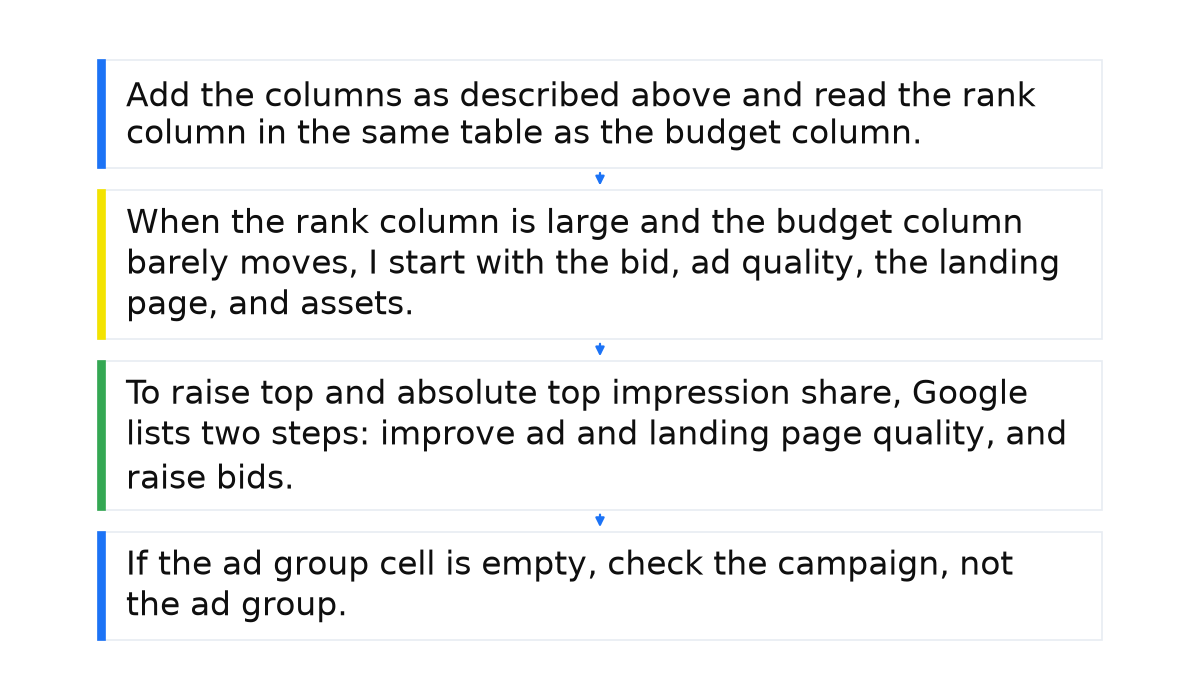
- Add the columns as described above and read the rank column in the same table as the budget column.
- When the rank column is large and the budget column barely moves, I start with the bid, ad quality, the landing page, and assets. Raising the daily budget is not the first step when those two columns look like that.
- To raise top and absolute top impression share, Google lists two steps: improve ad and landing page quality, and raise bids. Better ads often mean a lower actual cost per click. Target impression share is a bid strategy for a position on the page.
- If the ad group cell is empty, check the campaign, not the ad group. Budget data exists only at campaign level. If the budget ran out in the dates you selected, the rank column stays hidden on the Ad groups tab, and the blank cell does not mean rank is fine.
What not to do
- Do not expect a higher budget to bring back impressions lost to rank.
- Do not treat 61% as the normal figure for your account: it describes one niche over one period.
- Do not mix the Search rank column with the budget column or with the Display rank column.
- Do not read the percent as a share of every Google search. Eligible impressions are Google’s estimate, not an exact count.
When this does not apply
This reading does not apply to “Search lost IS (budget)”. That column is insufficient budget, and the data exists only at campaign level. It does not apply to “Display lost IS (rank)”, which belongs to the Display Network. A blank cell on the Ad groups tab does not prove that rank is healthy if the budget ran out during the period. The 61% figure describes that one niche in that window, not your account. A small swing by itself is not a reason to change anything.
I put the whole system behind these checks into a short e-book.
My e-book “19 Google Ads Secrets”: how to get the most out of Google Ads without draining your budget, drawn from real campaigns and tests.
See the book →Questions and answers
Will a higher daily budget bring the impressions back?
Not as the first step, when rank loss is high and the budget column barely moves.
Why is the cell empty on ad groups?
The rank column stays hidden on the Ad groups tab if the budget ran out in the date range. A dash might be due to too little data or to 24-48 hours of processing.
How many days until the number hits zero?
There is no such period. Data updates within 1-2 days. The help’s quality step and bid step are for top-of-page impression share, and neither is a promise that this column will disappear. When the rank column is large and the budget column barely moves, I still start with the bid, ad quality, the landing page, and assets.