
For a new store I keep a Standard Shopping campaign. I add Performance Max later, once the bid strategy sees order value and not only the count of conversions.
If the strategy counts conversions rather than their value, it cannot tell a cheap order from an expensive one. That is true in Performance Max and in Standard Shopping. Running both on the same products does not mean Performance Max always takes the impression, and it does not mean Standard Shopping always keeps it. When the targeting matches, Ad Rank decides. How to check a live Shopping campaign every week is in the article on Google Shopping campaign management.
The two campaign types, briefly
Performance Max is a goal-based campaign. From one campaign it opens Google Ads inventory. The article about Performance Max lists YouTube, Display, Search, Discover, Gmail, and Maps. You can run it as a complement to keyword Search campaigns. You can create it with the objectives Sales, Leads, Website traffic, or Local store visits and promotions, or without goal guidance. I covered the wider mechanics in Performance Max in Google Ads.
Google’s help recommends Performance Max when you have a sales or leads goal, when you do not want to limit where ads appear, when you want every channel from one campaign, or when you want reach and conversion value beyond keyword Search.
Standard Shopping is narrower. You pay cost per click, and only for a click to your site or to the local-inventory page. The ad is built from the Merchant Center feed. In the comparison table for Shopping ads, extra text, images, and video for Standard Shopping are marked “not available yet”.
The onboarding guide for Shopping ads says Performance Max campaigns are the best way to maximize your online sales, because one campaign serves products across Google Ads inventory. Those are Google’s words. They do not name a return for your store, and they do not retire Standard Shopping.
Comparison: control, negatives, reports, and priority
The placements in the table come from the Shopping ads article. The Performance Max article names a different set: it includes Discover, and this table includes Demand Gen.
| What we compare | Standard Shopping | Performance Max |
|---|---|---|
| Where ads can show | The Shopping tab, Search next to results, Google Images, and Search partner sites if you include them. | The Shopping tab, Search next to results, Search text ads, Google Images, Display, YouTube, Gmail, Demand Gen, and Maps via local inventory ads. New placements open without a new campaign. |
| What you pay | Cost per click. Only a click to your site or to the local-inventory page. | You pay for results. The help text gives clicks or CPM as examples. |
| Bidding | Target ROAS, Maximize clicks, Maximize conversion value, and Manual CPC. | Maximize conversion value, with an optional target ROAS. Maximize conversions, with an optional target CPA. |
| Creatives | From the Merchant Center feed. Extra text, image, and video assets are not available yet. | From asset groups (text, images, video) and from the Merchant Center feed. |
| Negative keywords | You add them at campaign level. | You can add them to a specific campaign and at account level. They apply only to Search and Shopping inventory. |
| Product reports | The Products tab in the Campaigns menu, at account level. | The same Products tab at account level covers this campaign too. |
| Campaign priority | Low, Medium, or High, when the same product in one country sits in several Standard Shopping campaigns. | The help on how Performance Max interacts with other campaigns does not include this switch. High priority on Standard Shopping does not take the impression from Performance Max. |
Target ROAS in that table is the bid strategy in Target ROAS. In Performance Max you can add negative keywords to a specific campaign and at account level: the help article limits them to Search and Shopping inventory. Match types sit in negative keywords for Shopping. Priority between Standard Shopping campaigns is in the help article on campaign priority, and the store-level walkthrough is in product groups and priorities.
What happens when both campaigns use the same products
You can run Standard Shopping and Performance Max at the same time on the same products. The onboarding guide for Shopping ads says: if the products, locations, languages, hours, and other targeting match, Ad Rank decides which ad serves. Two campaigns by themselves do not decide it. To compare the two types on one product set, that same guide points you to the A/B experiments tool on the Experiments page, not to an accidental overlap.
The article on how Performance Max interacts with other campaigns does not name Standard Shopping. Which campaign gets the impression in a pair with Standard Shopping is in the onboarding guide above, not in this article. If several campaigns can get the same impression, the campaign with the highest Ad Rank gets it. The example in that text is Performance Max and a Display campaign on similar inventory. Campaigns in the same account do not bid against each other: Google states that apart from the Ad Rank rule, and the higher Ad Rank still gets the impression. Performance Max and Demand Gen also give the impression to the campaign with the highest Ad Rank.
The named exception is a Search campaign, not Standard Shopping. If a keyword exactly matches the query, or the query after a spelling correction, that Search campaign is preferred over Performance Max. If there is no exact match, the higher Ad Rank decides again. If the Search campaign is limited by budget, Performance Max may occasionally serve on an exact match query. Do not use that exception for Standard Shopping.
When to keep Standard Shopping and when to add Performance Max
In my experience, a small Performance Max share is not a mistake by itself. The mistake is pausing Standard Shopping only because the onboarding guide called Performance Max the best way. Do not assign Performance Max a budget percent of your own. The 10-25% range below is Optmyzr’s note about a possible edge, not a target for your store.
Keep Standard Shopping while you need manual CPC and priority across several Standard Shopping campaigns on the same product. Add Performance Max when you want the placements from one campaign and order value is already passed into a value-based strategy. How to pass order value is in Google Ads conversion tracking setup.
Optmyzr in 2024 wrote that users whose Performance Max budget share was over 50% saw the strongest return in their Performance Max campaigns: 625.03%. That figure compares groups of Optmyzr users by budget share. It is not proof that moving spend into Performance Max will raise your return, and it is not a target for your store. The same piece talks about a possible edge on conversion rate and cost per conversion if Performance Max stays within 10-25% of budget. Optmyzr does not say how large that edge is.
How to compare without an accidental overlap
What to do in your own account before you turn either type off. The first three steps are checks. The last two compare the campaigns.
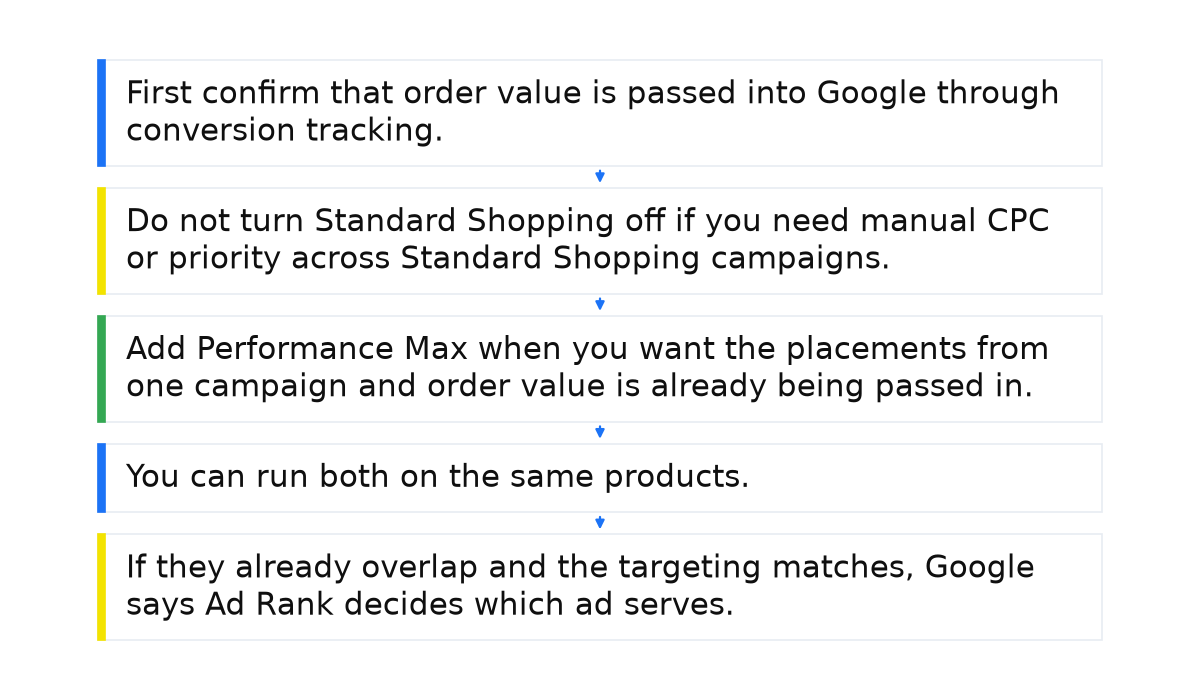
- First confirm that order value is passed into Google through conversion tracking. That is separate from the campaign type. Then use Maximize conversion value or Target ROAS, or the strategy cannot see that value. Maximize conversions and Target CPA do not see the money in the order.
- Do not turn Standard Shopping off if you need manual CPC or priority across Standard Shopping campaigns.
- Add Performance Max when you want the placements from one campaign and order value is already being passed in. The line about the best way is not a reason to pause Standard Shopping.
- You can run both on the same products. To compare them on one set, open the Experiments page and use the A/B experiments tool. Do not leave both on the same products, locations, languages, and hours and then guess the winner.
- If they already overlap and the targeting matches, Google says Ad Rank decides which ad serves. That rank is not a column you can open. Look at campaign priority only among Standard Shopping campaigns.
When this does not apply
Picking a campaign type changes nothing if the strategy counts conversions rather than their value: a cheap order and an expensive one look the same to it. Do not expect a High priority on Standard Shopping to take the impression from Performance Max. The help describes that switch only among Standard Shopping campaigns for the same product in one country.
Do not apply the exact-match Search exception to Standard Shopping. That exception is about a Search keyword.
I put the whole system behind these checks into a short e-book.
My e-book “19 Google Ads Secrets”: how to get the most out of Google Ads without draining your budget, drawn from real campaigns and tests.
See the book →Questions and answers
Can both campaigns run on the same products?
Yes. When the products and the targeting match, Ad Rank decides the impression. To compare them, the onboarding guide for Shopping ads points you to the Experiments page.
Does High priority take the impression from Performance Max?
No. Low, Medium, and High are described for several Standard Shopping campaigns on the same product in one country, not for a pair with Performance Max.
Is 625.03% a target for my store?
No. In Optmyzr’s 2024 piece, 625.03% is the Performance Max return in the group of users whose Performance Max budget share was over 50%, compared with the other budget-share groups. It is not a target for your store.
Where should a new store start?
With Standard Shopping, if you need manual CPC and priority. First make sure order value is passed into a value-based strategy.