
Dynamic Search Ads, often shortened to DSA, use your website content to show ads on Google. The system matches a person’s search to the content of your pages, generates a relevant ad headline and selects a landing page.
This format is worth considering if you run an online store with a large inventory or have a website with detailed descriptions of your offers. It saves time on writing headlines and choosing landing pages. You still write the ad description yourself. Before you commit a budget, compare it with the other Google Ads campaign types.
How Dynamic Search Ads appear
Google looks for a connection between a person’s search and the titles and recurring phrases on your website. It uses that connection to choose a landing page and create an ad headline. Your website content therefore directly influences the offers potential customers see in your advertising.
Example. Suppose you own a restaurant group with locations in several cities. Someone searches for “best restaurant London”. If your website has a suitable page for your London location, Google may show an ad for it and send the visitor directly there. The headline is generated automatically and does not have to repeat the search word for word.
The aim is to take the person straight to the relevant section of your website after they click.
Who should test DSA?
- Online stores with large inventories, where researching keywords for every product takes substantial time.
- Businesses that have already developed their keyword coverage and want to check for relevant searches they may still be missing.
- Advertisers whose standard search campaigns fall short of expectations and who have a reason to test a different way of matching searches to landing pages.
Poor results from an existing campaign do not automatically make DSA the right answer. First, check whether your website gives the system enough clear information about what you offer.
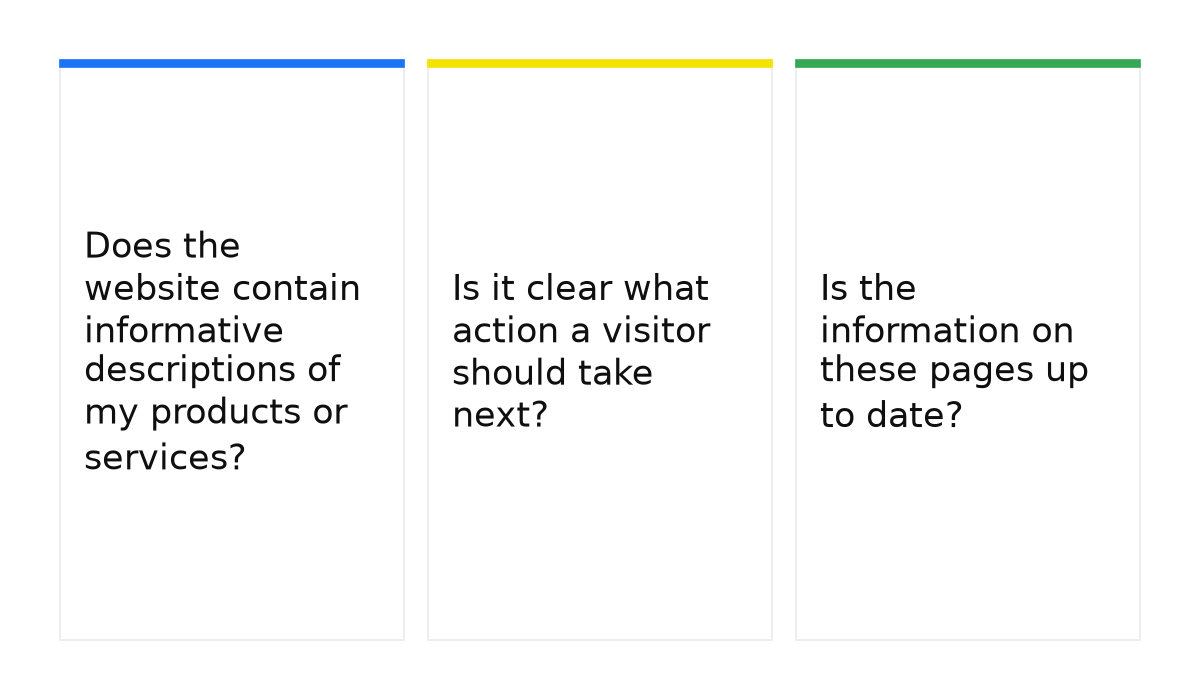
Three questions to answer before launch
- Does the website contain informative descriptions of my products or services?
- Is it clear what action a visitor should take next?
- Is the information on these pages up to date?
If all three answers are yes, you have a basis for a test. Google has useful page content to work with, and the visitor can find a current offer and a clear next step after clicking.
How I set the boundaries for DSA
I treat Dynamic Search Ads as a test of a website’s information structure. I start with a set of pages that have a clear topic, an available offer and a commercial purpose. I do not hand over the entire domain at the outset. I use page feed labels to separate those sets so that I can enable or pause advertising for individual sections without rebuilding the whole campaign.
Google explains how searches and landing pages are selected in its Dynamic Search Ads documentation.
When this does not apply
- Your offers change rapidly. If your inventory or product availability changes daily, relying on automatic page selection without checking that the information is current is risky.
- Your industry has advertising restrictions. For pharmaceuticals, sexual content or gambling, do not assume DSA is universally available. First check whether advertising your specific offer is permitted and which conditions apply.
- The system cannot readily understand your pages. A website made mostly of images without useful text, or with most content behind a login, is a poor fit. DSA needs accessible pages with a clear subject.
Benefits of Dynamic Search Ads
With a suitable website and clearly defined targeting, DSA can offer several benefits:
- Less manual work. You do not need a separate set of keywords and headlines for every product. This can also make it easier to prepare advertising for other cities or countries. Bid management and negative keywords still require attention.
- Headlines connected to your pages. Google generates the headline from the search and your website content, then selects a relevant landing page. The quality of the text on that page affects how well this works.
- Control over website coverage. You can use the whole website, selected sections or individual pages, and exclude products that are out of stock.
- Additional potential customers. DSA can reach relevant searches that your manual keyword research missed. This creates an opportunity for additional sales, rather than a promise that sales will automatically grow.
A useful DSA test starts with pages that present a clear, current offer. Google Ads training can help you connect that page selection to campaign setup and the results you review after launch.
The campaign type matters less than what you feed the algorithm. My e-book “19 Google Ads Secrets” shows how to get the most out of Google Ads without draining your budget, drawn from real campaigns and tests.
See the book →