
Google Shopping lets an online store show a product and its price before a customer clicks. That makes it a useful starting point for a large catalog, but search ads, display ads and YouTube also deserve a test. I choose between them based on product performance and the help a customer needs before buying.
Google Shopping ads for an online store
Shopping ads are built from a product feed, a set of data that includes your products, prices and photos. Incorrect values or fields that exceed the allowed limits can prevent products from being approved. Before launching, use this guide to preparing a Google Merchant Center product feed to check your data.
For a store owner, this format has several practical advantages:
- Shoppers see the product and price before clicking. They can decide whether the offer interests them before visiting your website.
- Price updates can be automated. With the data connection in place, changes on your website can pass through to the feed and ads.
- Stock availability can also update automatically, reducing the need to check every item by hand.
Optimization takes more thought. In search campaigns, you examine queries and ads. In Shopping, you also need to understand which parts of the catalog deliver results. Campaign totals can hide differences between products. Group products using one or more of these attributes:
- Manufacturer.
- Intended use.
- Brand.
- Category.
- Price.
You can combine these approaches. For example, a structure to test with Standard Shopping campaigns is:
- A campaign organized by brand, with high priority and a low bid.
- A campaign organized by category, with medium priority and a medium bid.
- A campaign for an individual product, with low priority and a high bid.
Campaign priority matters when the same product appears in multiple Standard Shopping campaigns for the same country. Priority alone does not separate brand queries from product queries. See Google’s explanation of campaign priority for how this works. The business goal is to identify profitable products, develop their advertising and reduce spending on products that do not deliver.
Search ads for an online store
Search ads can outperform Shopping for some categories. Test that possibility with two formats:
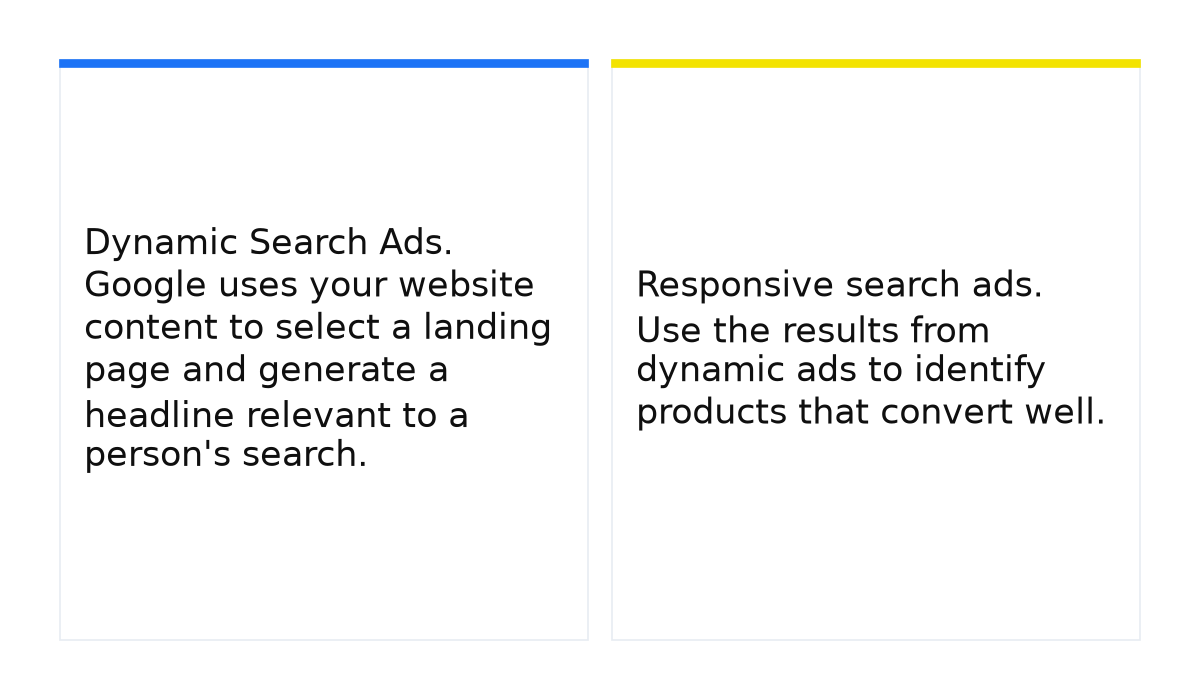
- Dynamic Search Ads. Google uses your website content to select a landing page and generate a headline relevant to a person’s search. Start with selected categories and compare results with Google Shopping before expanding across the catalog.
- Responsive search ads. Use the results from dynamic ads to identify products that convert well. For example, select the top 10% and write dedicated headlines and descriptions for them. Review or stop advertising products that are not performing.
With Dynamic Search Ads, Google generates the headline and selects the landing page; you supply the description. Google’s Dynamic Search Ads guide explains how this works. Responsive search ads let you prepare a set of more specific headlines and descriptions for an offer. When you move a product into dedicated advertising, exclude it from the earlier dynamic coverage so you can manage and assess the two approaches separately.
Advertising on the Google Display Network
Display ads appear on websites and apps that partner with Google. They can introduce people to your store and support sales when the audience and context fit the offer. Here are four approaches to test:
- Reach people reading product reviews, comparisons and rankings. Use specific phrases to describe the relevant content: “how to choose a refrigerator,” “best refrigerators” or “refrigerator comparison.” Product and category names are also worth testing, especially for items that already sell well.
- Use dynamic remarketing to show visitors the products they viewed or added to their cart.
- Show display ads to people who already visited your site. You can also use that audience in search: search remarketing combines with Dynamic Search Ads, and you can raise search bids for these visitors or show search ads only to them.
- Use custom audience segments based on purchase interests. Match the segment to the products you sell so your offer is relevant to potential buyers.
YouTube advertising for an online store
Video helps shoppers see a product in use. Producing videos for the entire catalog is expensive, so let sales data guide the selection. Choose 10 of your most popular products or categories and make convincing demonstrations for those first.
You can target previous visitors or custom segments built around purchase intent. For example, someone interested in buying a projector could see a video showing how your store helps customers choose a model for work, gaming, presentations or films. The video demonstrates both the product and your ability to help the buyer.
Help customers while they are choosing
A shopper who is still comparing options may not respond to an immediate request to buy. At this stage, an ad should lead to useful information that helps them decide. Video is one way to demonstrate expertise, but you can also:
- Create a product selection quiz that recommends equipment based on the customer’s budget, intended use and needs.
- Write a professional review explaining the advantages and drawbacks of different models. Make it useful enough to help someone make a decision.
Keep the customer when they are ready to buy
A customer can learn everything they need from your website, then use a price comparison site to buy elsewhere. Give them a specific reason to place the order with you after you have helped them choose.
For example: “Buy from us and receive our device setup guide.” A clear guide may take relatively little work for your team while answering questions that matter to the customer. For more complex equipment, create video instructions covering setup and useful features, presented as a short course or guide.
Sell the product with setup or installation
For products that require complicated installation, test an offer that includes installation at no extra charge or for a small additional fee. Examples include:
- Air conditioners.
- Dishwashers.
- Satellite signal amplifiers.
When one company supplies the product and another installs it, a customer may struggle to work out whom to contact if something goes wrong. A combined offer gives you an opportunity to explain who will help with each issue after the purchase.
What matters when advertising an online store
- A small store may struggle to match large retailers on selection, price and delivery. Specializing in a category, helping customers choose and providing useful extras can give people a reason to buy from you.
- Test different advertising formats. Compare Shopping with search, display and video. Also assess Facebook and Instagram advertising, where you may find more of the customers you want to reach.
- Make the website fast, easy to navigate and straightforward to buy from. Customers need a smooth path through ordering and payment. Work on SEO so they can also find the store through organic Google results.
- Use Google Ads and Google Analytics reports to guide optimization. Compare conversion volume, cost per conversion, conversion rate, click-through rate, cost per click and bounce rate. Adjust spending with profitability in mind, rather than judging success by visits alone.
When this does not apply: advertising cannot compensate for a difficult checkout, outdated prices or unavailable products. An immediate purchase offer may also fail when the customer still needs help choosing. Resolve those obstacles before deciding whether an advertising channel works for your store.
To put these ideas into practice, start by grouping your catalog, choosing a format for each group and measuring purchases. My e-book below explains how to get the most out of Google Ads without draining your budget.
My e-book “19 Google Ads Secrets”: how to get the most out of Google Ads without draining your budget, drawn from real campaigns and tests.
See the book →