
Before you launch an ad campaign, it helps to know what potential customers are searching for and when their interest rises. Google Trends shows search interest in topics, services, products and brands. Business owners, advertising specialists, news publishers and YouTube creators can use that information to develop offers and content around what their audience wants to explore.
How to get started with Google Trends
Open Google Trends. You can begin by looking at trending searches or by exploring a particular product or service. Choose the approach that fits your question: finding a timely topic or investigating an idea you already have.
- Trending searches. Look at topics attracting interest now and select the country you want to explore. A topic such as ChatGPT can attract attention across countries, while others depend heavily on local events. Focus on the market your business actually serves.
- Search term analysis. Explore how interest in a product or service has changed over a selected period. Looking beyond the latest spike helps you investigate whether interest follows a recurring seasonal pattern.
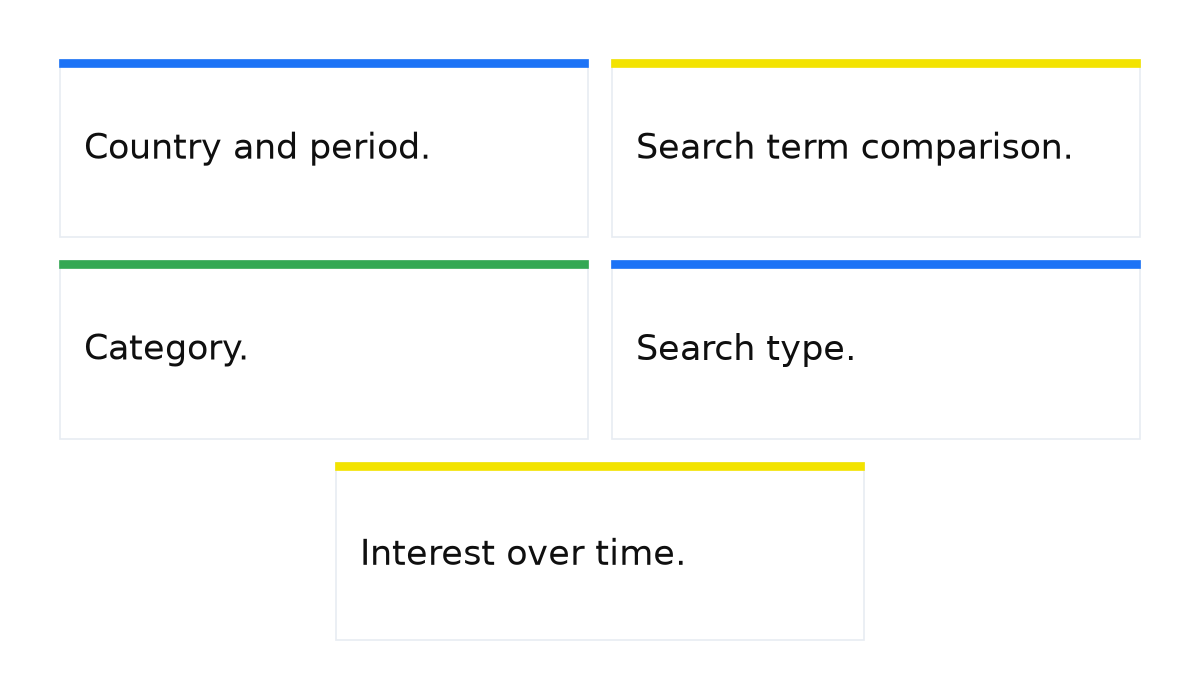
Which Google Trends settings to use
Enter a search term you want to investigate, such as “order pizza”. Then choose the country and period. Check the other filters before interpreting the chart, because they determine which searches you are comparing.
- Country and period. Select your market, such as the United States or the United Kingdom. Looking at “order pizza” over the past 5 years can help you see a longer pattern. Assess whether interest rises or falls within that selected period rather than assuming the same direction will continue.
- Search term comparison. Add “order sushi” to compare the two lines. Keep the location and period consistent so that the comparison reflects interest under the same conditions.
- Category. Use a relevant category to narrow the meaning of an ambiguous term. Someone searching for a “key” might mean a door key, a car key or a tool. Choose the category that fits your product or service before drawing a business conclusion.
- Search type. Alongside web searches, you can explore image, news, shopping and YouTube searches. For example, select YouTube when researching “buy Christmas tree” to investigate how interest in that term changes on the video platform.
- Interest over time. The chart uses a relative scale from 0 to 100. A value of 100 represents peak interest within the selected comparison. It is neither a count of people nor a percentage of buyers, and the line does not give you an absolute search volume.
How I read Google Trends before a launch
I do not treat the Trends line as an absolute number of searches. I compare several phrases within the same location and period, check the category and look separately at the regional breakdown. That helps me identify seasonal opportunities and differences in how people search before putting together a media plan. I still check volume and budget against advertising tools that provide forecasts.
Google’s help page explains how to compare search terms and interest across locations.
Practical ways to use Google Trends
Comparing interest in different offers gives you a starting point for investigating a business idea. Here are several ways to put the comparison to work.
- Choosing a restaurant concept. Compare interest in pizza, Asian food and other cuisines in your target area. This can inform your choice of concept, alongside the other evidence you need before opening a restaurant.
- Planning seasonal advertising. For “buy Christmas tree”, investigate when interest begins to rise ahead of the holiday. Examine late November and early December across several years to help decide when to prepare your campaign.
- Exploring demand for education. Compare searches about studying programming and economics. Alongside the chart, look at the map to see where relative interest in each subject is higher.
- Comparing marketing topics. Explore Google Ads and SEO to see how search interest in the two topics changes. This tells you about interest in the terms, rather than which channel will deliver more sales for your business.
People often use different phrases to look for the same product. Comparing similar terms helps you select candidates for your advertising. A more popular phrase deserves investigation, but popularity alone does not make it the most profitable keyword.
Choose the search type that fits your question
Web, image, news, shopping and YouTube searches offer different views of audience interest. Choose the search type that matches the work you are planning. YouTube searches are relevant when investigating video topics, while shopping searches give you another perspective when exploring a product offer.
Look at how long interest lasts as well as how high it peaks. Combining the period, location and search type helps you think through when to prepare advertising, which offer to test and which audience you want to reach.
What Google Trends can do for your business
Google Trends helps you understand search language, seasonality and regional interest in your offer. Use those observations to prepare your advertising and investigate potential keywords. The business goal is sales, so connect what you learn from this free tool with the results of your campaigns.
When this does not apply: a Trends chart cannot give you an exact customer count, calculate your advertising budget or predict sales. It shows relative search interest. Comparisons can also mislead if you overlook differences in location, period or category.

Once you understand the seasonal pattern and the phrases people use, the next step is to apply that knowledge to Google Ads. Understanding how campaigns work helps you turn observations about audience interest into a reasoned launch plan.
My e-book “19 Google Ads Secrets”: how to get the most out of Google Ads without draining your budget, drawn from real campaigns and tests.
See the book →