
The usual stall is not that Google is unavailable in Ukraine. Before the first impression, Merchant Center has to be ready. A price mismatch may disapprove the product. Missing shipping may stop the campaign. If the title, description, and variants do not match the data source language, performance may be limited. If most of the product data does not match that language, the product may be disapproved. That happens before the ads spend a hryvnia. Weekly management of a live campaign is in the piece on Google Shopping campaign management. This page is the preparation in Merchant Center.
Are Shopping ads available in Ukraine, and in which currency
Yes. Shopping ads are available in Ukraine. In Google’s help on languages and currencies, the Ukraine row lists the Ukrainian hryvnia (UAH), and the Shopping tab is marked available to users in this country. Other currencies may be supported through conversion. There is no beta mark beside Ukraine, so the country is on the supported list. The same row and the same mark also appear in Google’s article about a country it does not support. Ukrainian is a supported language. You may upload a data source in any supported language if the landing page uses that language. The parts of the page and checkout a shopper needs in order to navigate and make an informed purchase have to use it too. Not every language drives high traffic in every country.
What to prepare before launch
A store that sells inside its own country has to meet that country’s requirements: the currency from Google’s country table, and a data source in any supported language. A full translation of the page and checkout is for selling into a different country. If you sell from the US or the UK into Ukraine, skip the home-country shortcut and use one of the three schemes below.
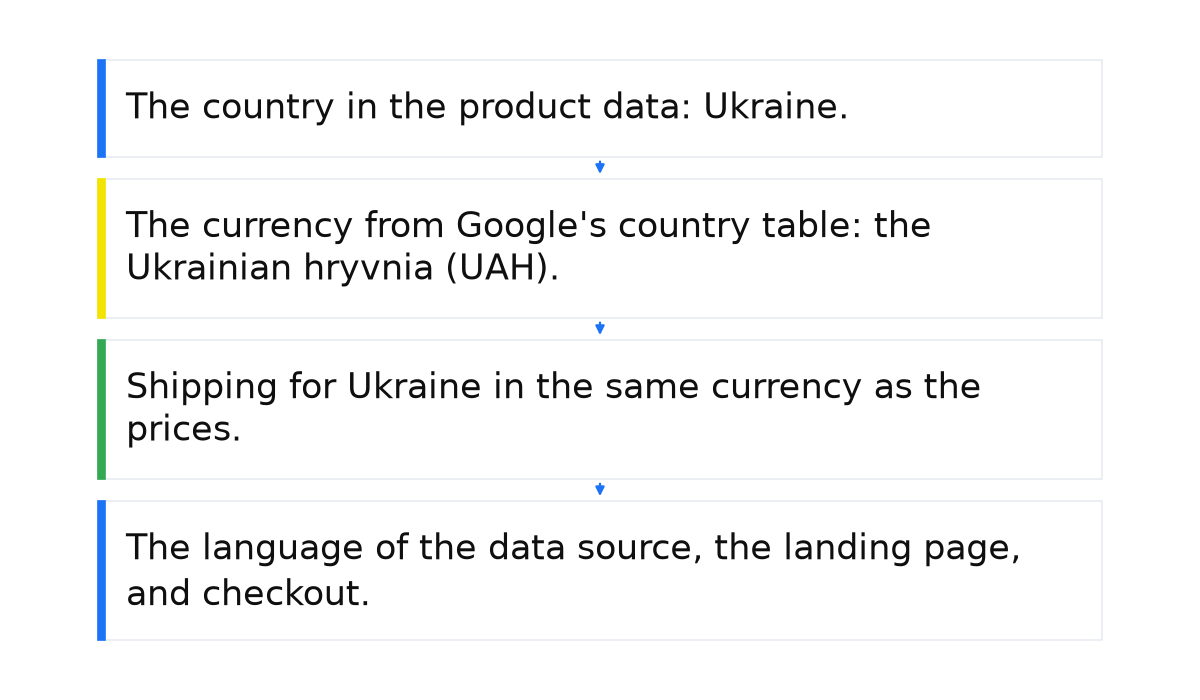
Before I launch a campaign that sells into Ukraine, I check four things: the country in the product data, the currency, shipping for that country, and the landing-page language. I leave the bid alone until the product can show.
- The country in the product data: Ukraine. In Merchant Center open Settings, then Business info, then Countries. Select Add countries to see the supported list. Ukraine is on it.
- The currency from Google’s country table: the Ukrainian hryvnia (UAH). Use another currency only when conversion is available.
- Shipping for Ukraine in the same currency as the prices. Without shipping for the campaign country, the campaign may not run.
- The language of the data source, the landing page, and checkout. Ukrainian is allowed. It is not required.
Apart from these four checks, countries and languages in the product data have to match the countries in the campaign.
Feed and prices when you sell into Ukraine
The price attribute has to match the landing-page price when the page loads. Google’s help on mismatched product price says Googlebot reads the HTML the server returned. If JavaScript fills the price in after that load, you get an error. A mismatch may disapprove the product and may lead to an account suspension.
In my practice the feed figure and the site figure have to be the same number, in the same currency, with no rounding. The currency has to match the target country. If the page shows several currencies, submit the prominent one. That applies when the price is already in the target currency. If you do not convert prices, use the scheme below. Put the sale window and time zone in the sale_price_effective_date attribute. While the sale is active, the ad shows the sale price. For a minimum quantity or a bulk pack, submit the total for that quantity. After a fix, the crawler checks the product again within hours or days. If the product is already disapproved for price, a website check request may take up to 12 hours, and you cannot send another request in that time. The same steps are in the piece on a mismatched product price.
Shipping and where the ads can show
If shipping is not set for the country the campaign targets, Google’s help on a Shopping campaign that is not running says the campaign may not run. A product below the minimum order value does not show. “All countries and territories” still serves ads only where the products are sold. On tax, follow the country’s requirements.
Google’s help describes three ways to sell into another country. If you sell into Ukraine, use one of them. First: the target currency and the local language. For Ukraine that is the hryvnia (UAH) and Ukrainian. Translate the page and checkout, put prices, shipping, and site costs in that currency, and target Ukraine. Second: the country’s currency and any supported language. Google targets people who use that language and allows more than one. Third, if you do not convert prices: a supported language and a currency you choose, under the price and tax rules of the country where that currency is national. Shipping and the page use that same currency. Other currencies may be supported through conversion. Google then shows the product in your language and in both currencies.
Do not add a price that changes by city for a launch into Ukraine. The help articles checked for this page give no separate rule for that.
The first week: product statuses
Until a product clears review, a bid does not speed anything up. The Status column has five values. Needs Update is not one of them. The times below come from Google’s help on product status.
A rough guide for the first weeks after approval: First Page Sage data from April 2024 to April 2025 puts the click-through rate of Shopping ads in the top eight positions at 1.1%. That is a published average, not a norm for Ukraine, so compare your own CTR with your own earlier weeks.
| Status | What it means | What to do |
|---|---|---|
| Under review | Shopping ads may take up to 3-5 business days. Other features, including free listings, may take up to a few weeks. | Leave the bid. If it lasts longer, check the site, contacts, and product data, then request a review. |
| Processing | An update may take up to 15 minutes. | Wait until processing finishes. |
| Approved | The product is reviewed and is now showing. | If the campaign still does not start, check shipping, the country, and the minimum order value. |
| Limited | Shows, but not everywhere: some countries, or not every marketing method. | Open the Needs attention tab. |
| Not approved | Cannot show. The data usually has an error. | Select Fix errors, or open Needs attention. See the piece on product disapprovals in Merchant Center. |
There are two different periods of 30 days, both counted from the last update. Needs Update appears after 30 days and is not a status. Feed products expire after 30 days, except products added directly in Merchant Center. If you do not refresh the data, visibility drops and the product may be removed. Hidden products are archived after 14 days.
On an account about to sell into Ukraine, I open Needs attention first. A typical case: a script fills the price in after load, so the browser matches and the server HTML does not. Or shipping for the campaign country is missing. Or the page language does not match the language of the data source. If the data names a country Google does not support, Google’s help says to move the products to a supported country. The path for that case is Settings, Business info, Countries, Add countries. Needs attention may take some time to update. Ukraine is already on the list, so that path is not the fix for this launch.
When this does not apply
This order does not replace the weekly routine once products are approved and the budget is spending. Check whether orders are counted correctly only after the product can show.
It also fails when only a script fills in the price. Googlebot reads the server HTML, and a new bid does not clear that disapproval.
Questions and answers
Can a US or UK store show Shopping ads in Ukraine?
Yes, if you sell into Ukraine. Submit the hryvnia, or another currency only when conversion is available. Other currencies may be supported. There is no beta mark beside Ukraine.
Does the feed have to be in Ukrainian?
No. Any supported language is fine if the page, the key elements, and checkout use it too. If most of the product data does not match the data source language, the product may be disapproved.
How long does the first review take?
Shopping ads may take up to 3-5 business days. Other features, including free listings, may take up to a few weeks. An update may take up to 15 minutes. That is product review, not the campaign learning to sell.
Why will the campaign not start after the file is uploaded?
No shipping for the country, a product under the minimum order value, or countries and languages that do not match the campaign. “All countries and territories” still shows ads only where the products are sold.

I put the whole system behind these checks into a short e-book.
My e-book “19 Google Ads Secrets”: how to get the most out of Google Ads without draining your budget, drawn from real campaigns and tests.
See the book →