

The familiar pattern: a merchant sees red in the console, spends an evening rewriting product titles, checks in the morning and nothing has changed. Then comes a second round of edits, then a third, and finally the conclusion that “Google broke something”. In reality the problem is almost always that nobody knows which state they are actually in, or how long that state lasts.
Start with the product status
This is the shortest route from “something is red” to knowing what is happening. Google shows five product states in the console, and each one means something specific.
| Status | What it means (verbatim from the documentation) | What to do |
|---|---|---|
| Processing | “Google is processing updates to the product, which may take up to 15 minutes” | Nothing. You just changed something, give it 15 minutes |
| Under review | “Google is reviewing the product for any issues. Reviews may take up to 3-5 business days for Shopping ads” | Wait. Editing now only lengthens the queue |
| Approved | “Google has completed reviewing the product, and the product is now showing on Google” | Nothing, the product is working |
| Limited | “The product is showing on Google, but only in some instances, or all of the product data may not be shown on the ad” | Showing, but not everywhere. Look for what the data is missing: this is your time budget, before anything is switched off |
| Not approved | “The product can’t be shown on Google. There may be one or more errors that are preventing it from showing” | The product is off. Read the stated cause literally and fix it |
Source of the wording: Google’s documentation on product statuses. The most useful thing here is that Processing and Under review are not problems, they are waiting. Half of all “endless editing” starts with someone rewriting a product that has not even been reviewed yet.
Three states that all look equally red
| State | What happens to impressions | Scope | How long |
|---|---|---|---|
| Warning | The product keeps showing, but performance is limited | Individual products | You still have time before consequences |
| Product disapproval | The product stops showing | Individual products | 24-48 hours after the updated data reaches Google |
| Account suspension | Every product is switched off | The whole catalogue | Up to 7 days for review |
There is an important detail in the timing column: the clock starts not when you fixed something on the site, but when the updated data reached Google. Those are two separate events, and conflating them is exactly what makes fixes look ineffective.
The verbatim wording leaves no room for interpretation. On warnings: “Products that receive warnings will continue to show across Google, however their performance may be limited”, so the product is alive, just weaker. On disapprovals, same page: “Disapproved products stop showing across Google”, so there are no impressions at all. On the account: “Your account will be suspended and your products will be disabled from appearing across Google”, so everything goes off.
The practical takeaway for an owner: a warning is a time budget, not an interface glitch. Merchants routinely ignore yellow until it turns red, when yellow is exactly the state in which everything can be fixed calmly and without losing a single impression.
“I fixed everything and nothing changed”
The most common question has the simplest answer: you are looking too early. Google re-reads the corrected data, and the documentation states that after edits issues “usually resolve within 24–48 hours”. The initial review of a new catalogue, meanwhile, takes up to 3-5 business days for Shopping ads and may take longer for other programs.
Which gives you a working routine:
- Fix the whole batch of causes at once, not one at a time. Every iteration costs you a day or two of waiting, so ten fixes in one pass is far cheaper than ten passes.
- Confirm the update actually reached Google. You changed the data on the site, but the product table may not have refreshed yet. These are two separate events, and the clock starts on the second one.
- Give it 48 hours before drawing any conclusion.
- If 48 hours pass and nothing moves, the cause is probably not the one you assumed. Read the issue wording literally rather than by general impression.
A campaign built by the manual still does not guarantee leads. My e-book “19 Google Ads Secrets” shows how to get the most out of Google Ads without draining your budget, drawn from real campaigns and tests.
See the book →When the cause is the store, not the products
The tell is simple: catalogue edits change nothing, and the problem affects everything at once. Then look at the site rather than the product data. Google explicitly requires that a user can add products to the cart and fully complete the checkout process, that at least one conventional payment method is offered, that contact information is clearly available, and that every condition of the purchase is disclosed clearly and conspicuously.
Two technical trifles that produce a disproportionate share of disapprovals:
- An address with no beginning. Product and image links are required to start with http:// or https://. It looks like a detail and it breaks the entire row.
- The price in the data does not match the price on the page. A classic for stores running promotions: the site already shows the discount while the table still carries the old figure. Formally this is a product data mismatch, and the penalty for it is disapproval.
The attribute-by-attribute breakdown lives separately so the two do not blur together: the product feed and how not to break it.
What an appeal should contain
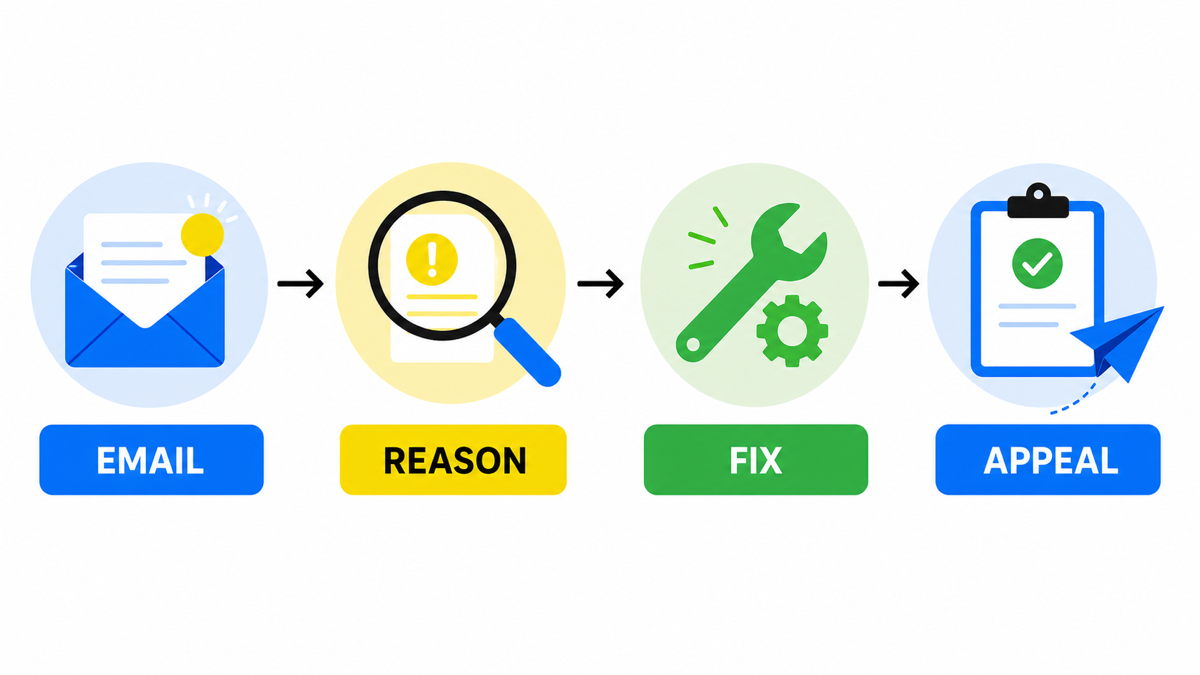
An appeal is not a request and not an account of your circumstances. It is a report that the cause has been removed. Which is why the worst version reads “please check again, everything is fine on our side”: there is nothing for the reviewer to check. The working structure is short and always the same.
- Which cause you removed, named verbatim the way Google phrased it. Not in your own words: your phrasing and theirs may not line up.
- What specifically changed. It was this, now it is that. One sentence per fix.
- Where it can be seen. The address of a page where the change is visible right now: the product page, the payment terms page, the returns policy page.
- What you verified yourself. For instance that the path to payment completes end to end, or that the price on the page and in the data now match.
- Nothing extra. Company history, advertising spend and complaints about turnaround times do not work in an appeal.
And the rule that matters most: file the appeal after everything is fixed and the changes are already visible on the site, not in parallel with the fixes. A review after suspension takes up to 7 days, and a rejection over an unfinished fix costs you another week of the same.
The special case: switched off with no warning
Google’s general logic is to warn, allow time, and only then switch things off. But there is an explicitly documented exception: “In some cases when an egregious account-level issue is detected, no warning is given and the account is suspended immediately”, meaning that for a severe account-level issue no warning is given at all.
To be straight about the limits: this part of the documentation does not enumerate what counts as egregious, and we are not going to guess it. Exactly one practical conclusion follows, and it is a firm one: “let us launch now and finish the site later” is a worse strategy here than in search advertising. There, an unfinished site means a worse result than you could have had. Here, an unfinished store can mean a switched-off account, and that is not suboptimal performance, that is downtime.
Frequently asked
Under review for a third day. Is that normal
Yes. The review takes up to 3-5 business days for Shopping ads, and longer for other placements. Editing the product during that window is counterproductive: changing the data sends it back for processing.
Some products are approved and some are not. Is that an account problem
No, and that is good news. An account-level problem switches everything off at once. Different statuses on different products mean the cause sits in the data of those specific items.
Is this the same as an ad disapproval in Google Ads
No, and the distinction matters. Here a PRODUCT is disapproved in Merchant Center: the cause sits in the catalogue data or in the storefront requirements. In Google Ads an AD is disapproved: the cause sits in the copy, the landing page or advertising policy. Different consoles, different cause lists and different actions on your side, so instructions do not transfer from one to the other.